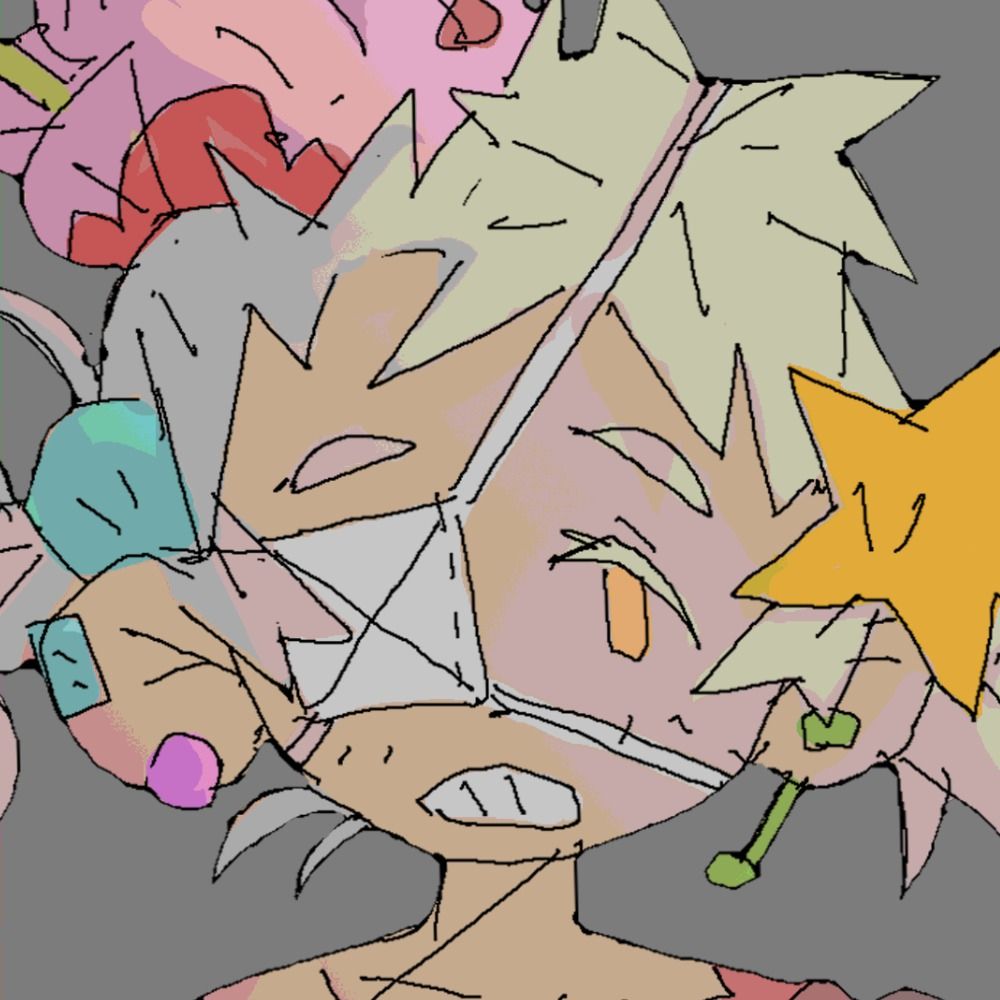
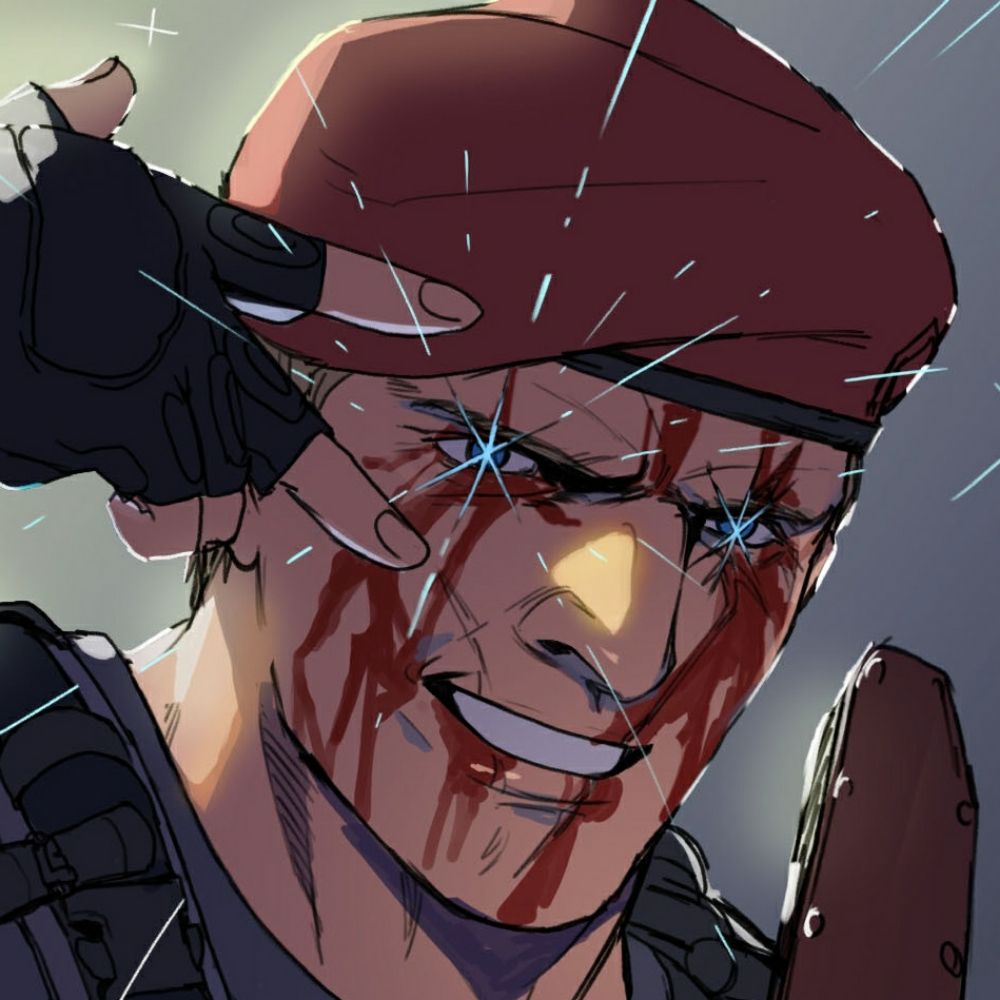
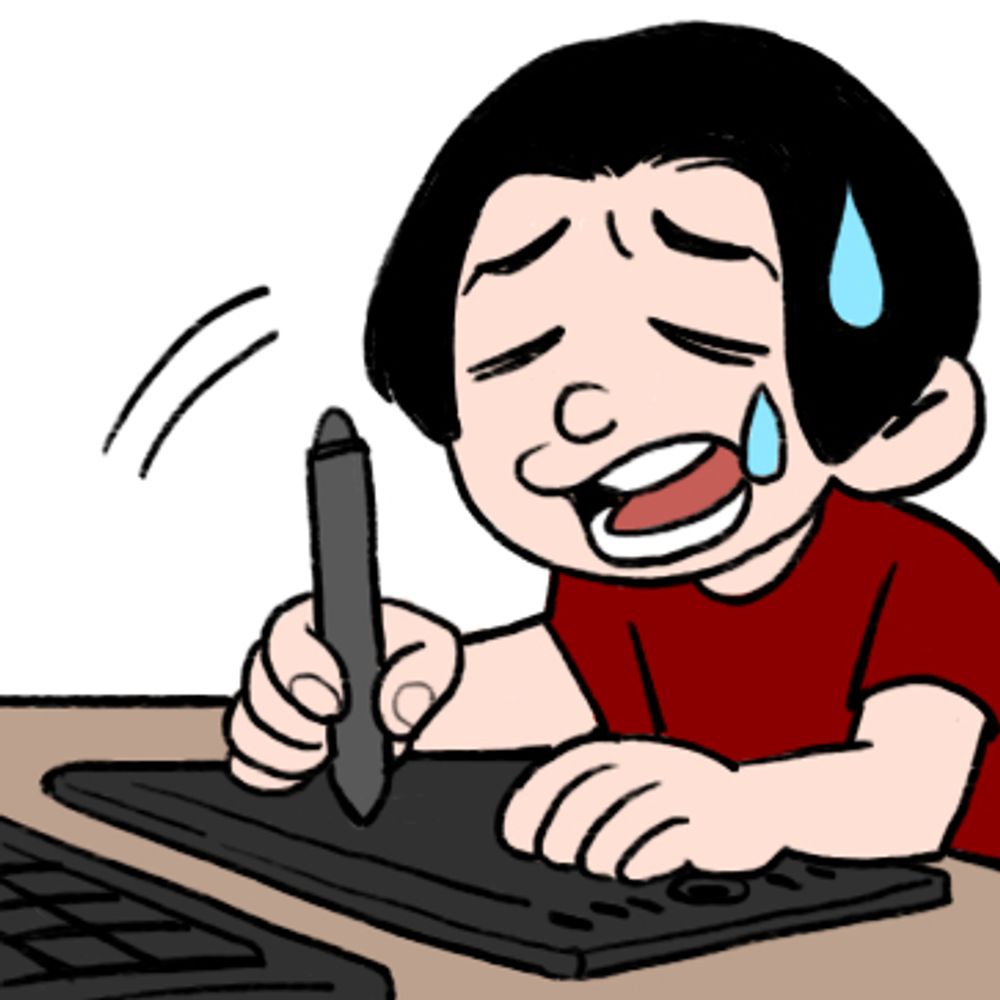
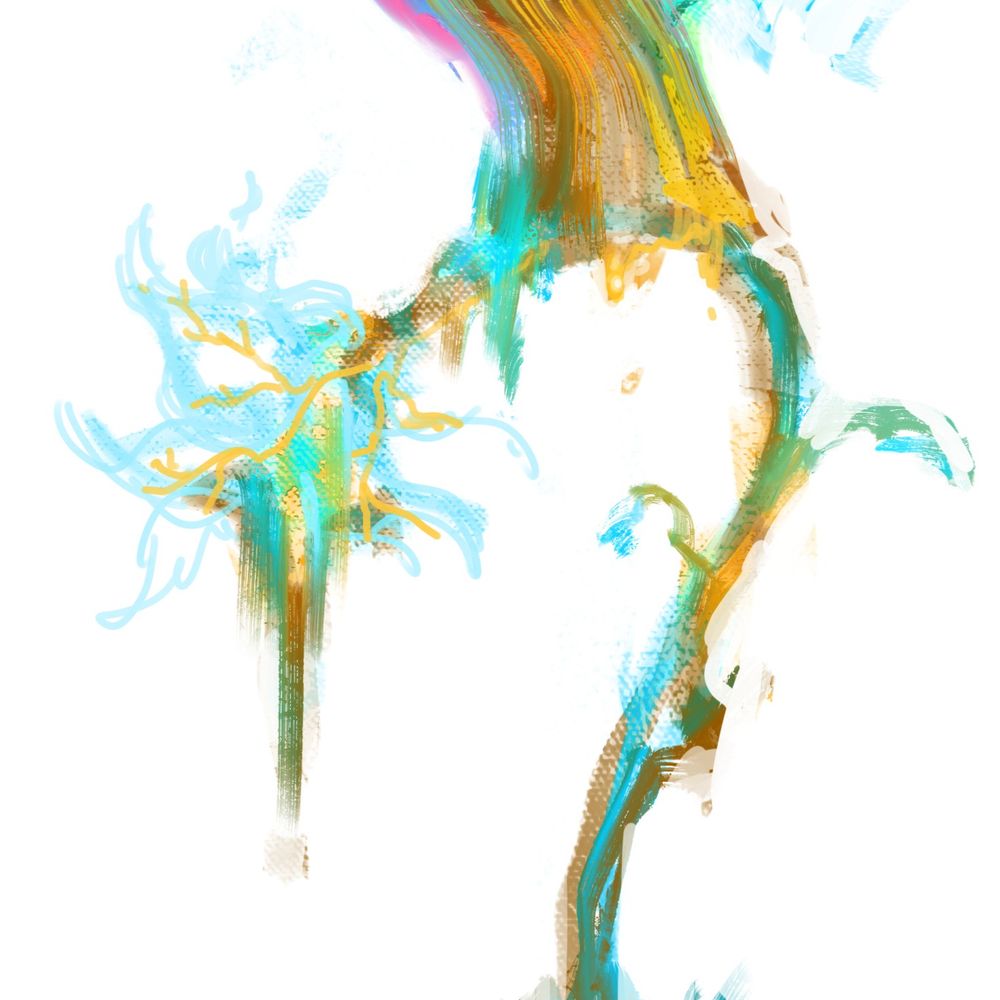
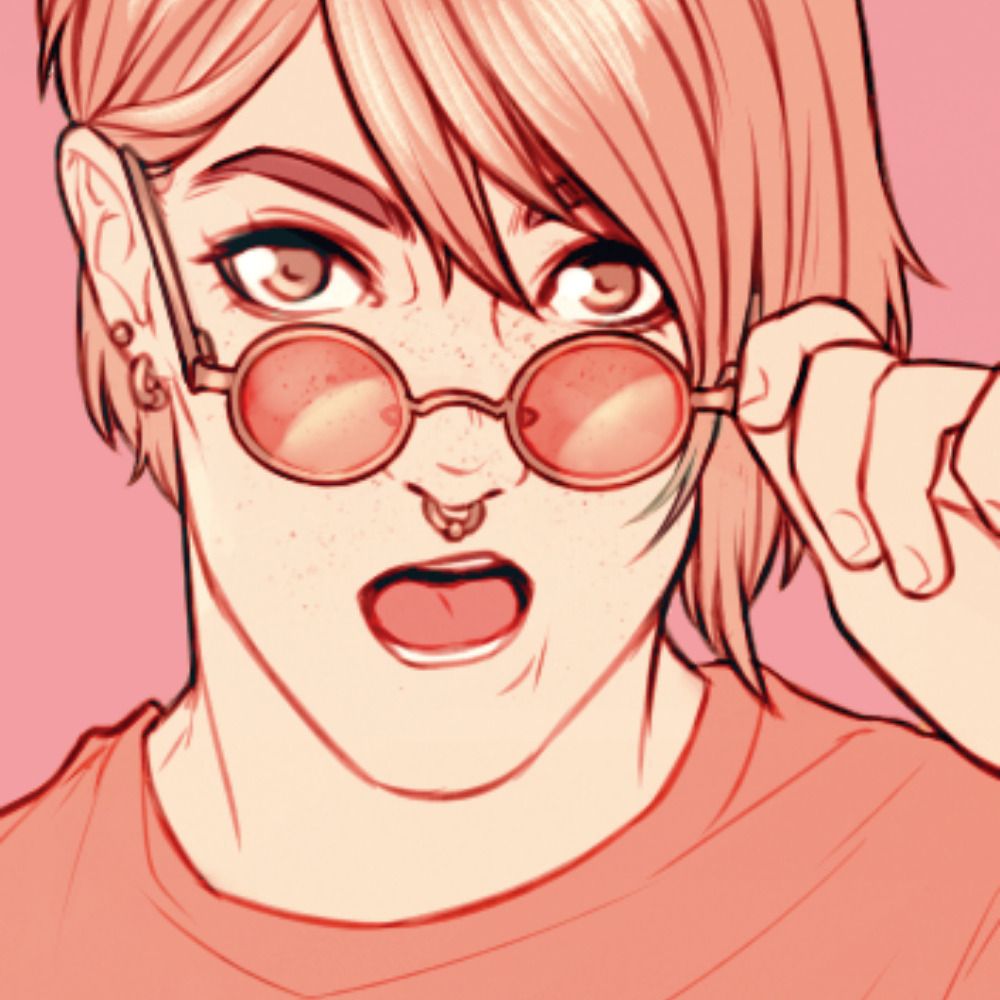
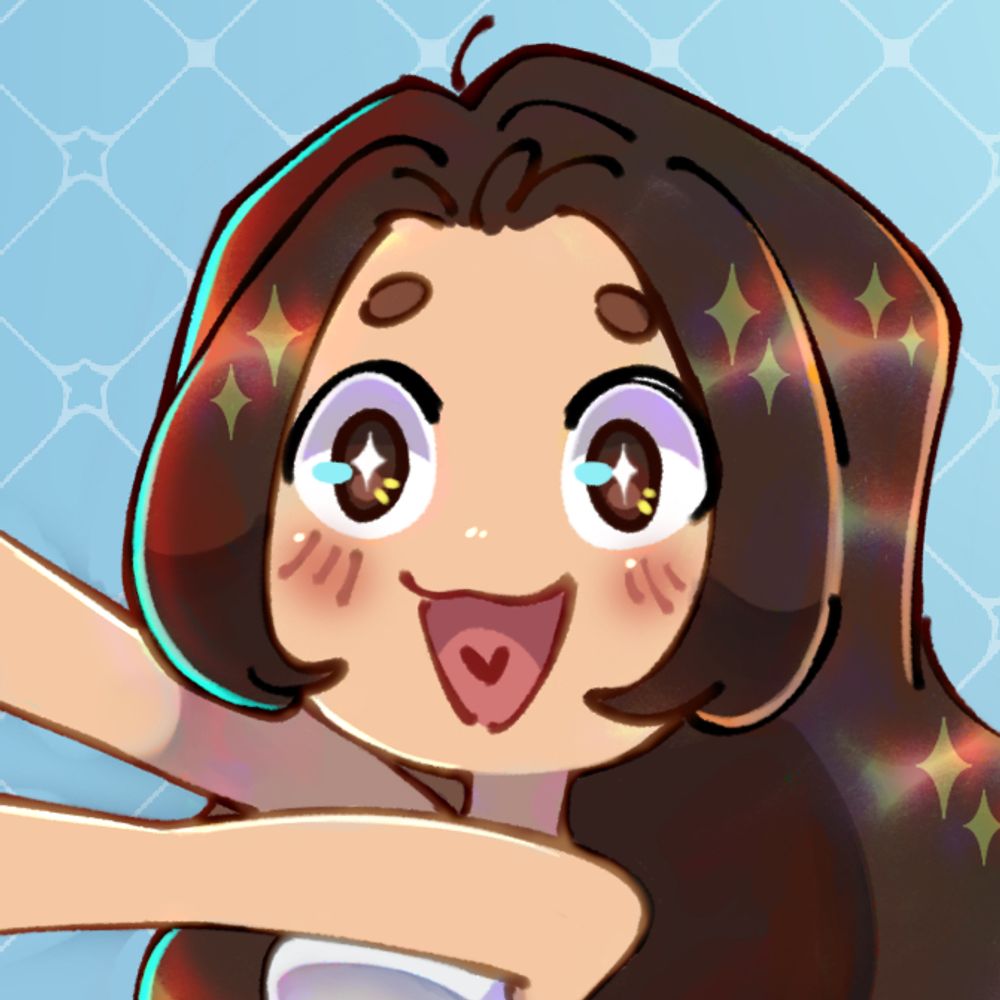
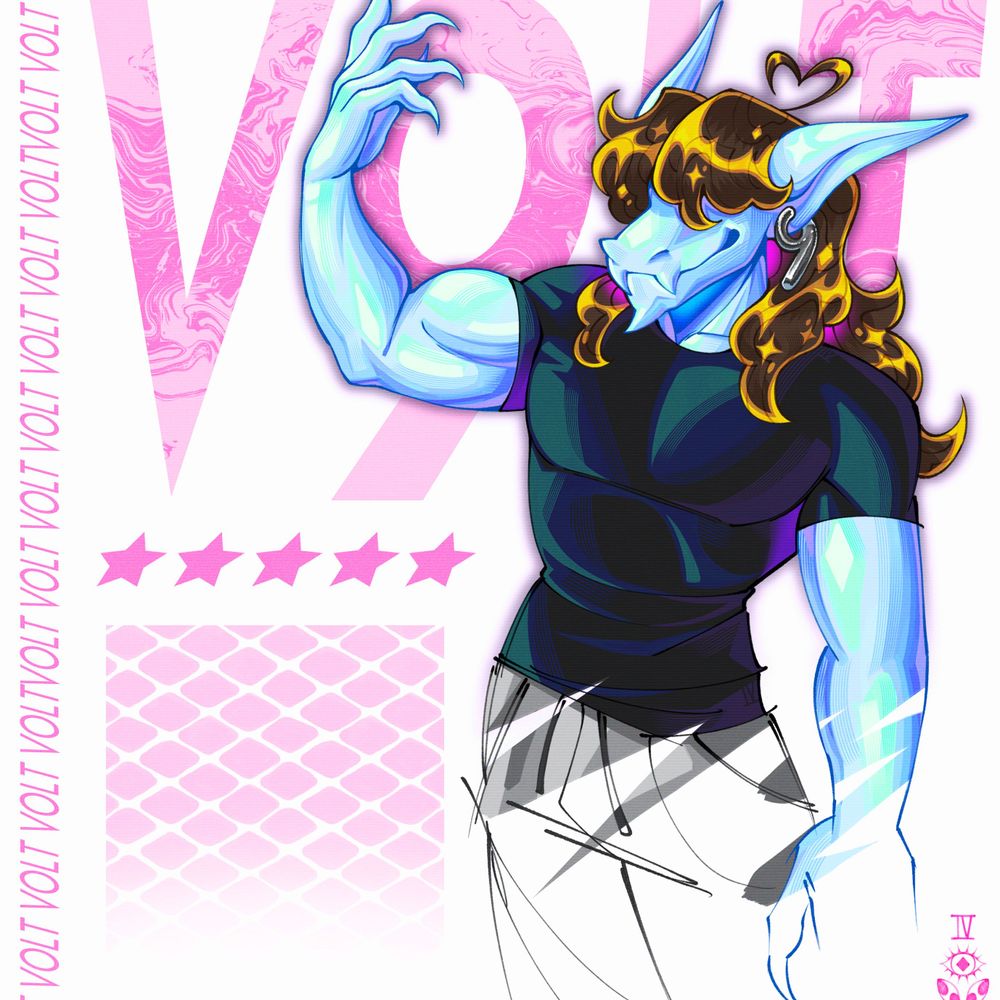
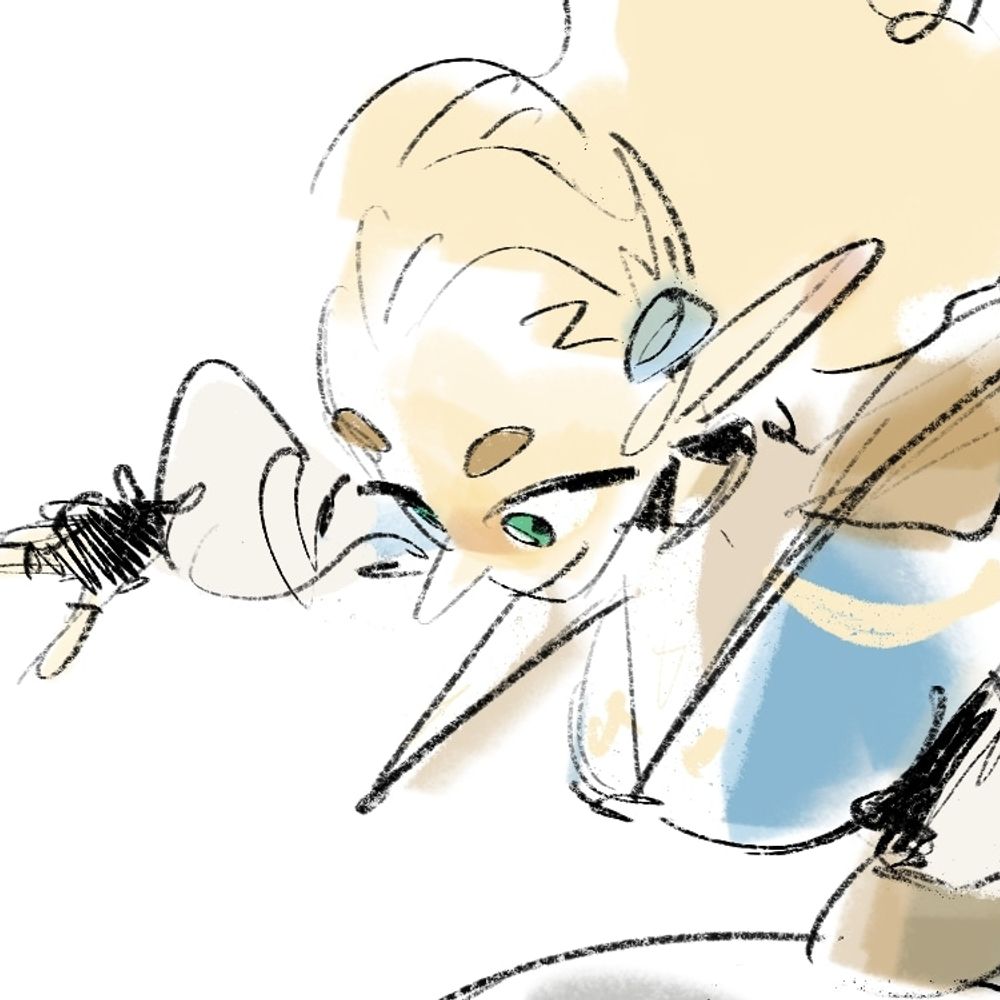
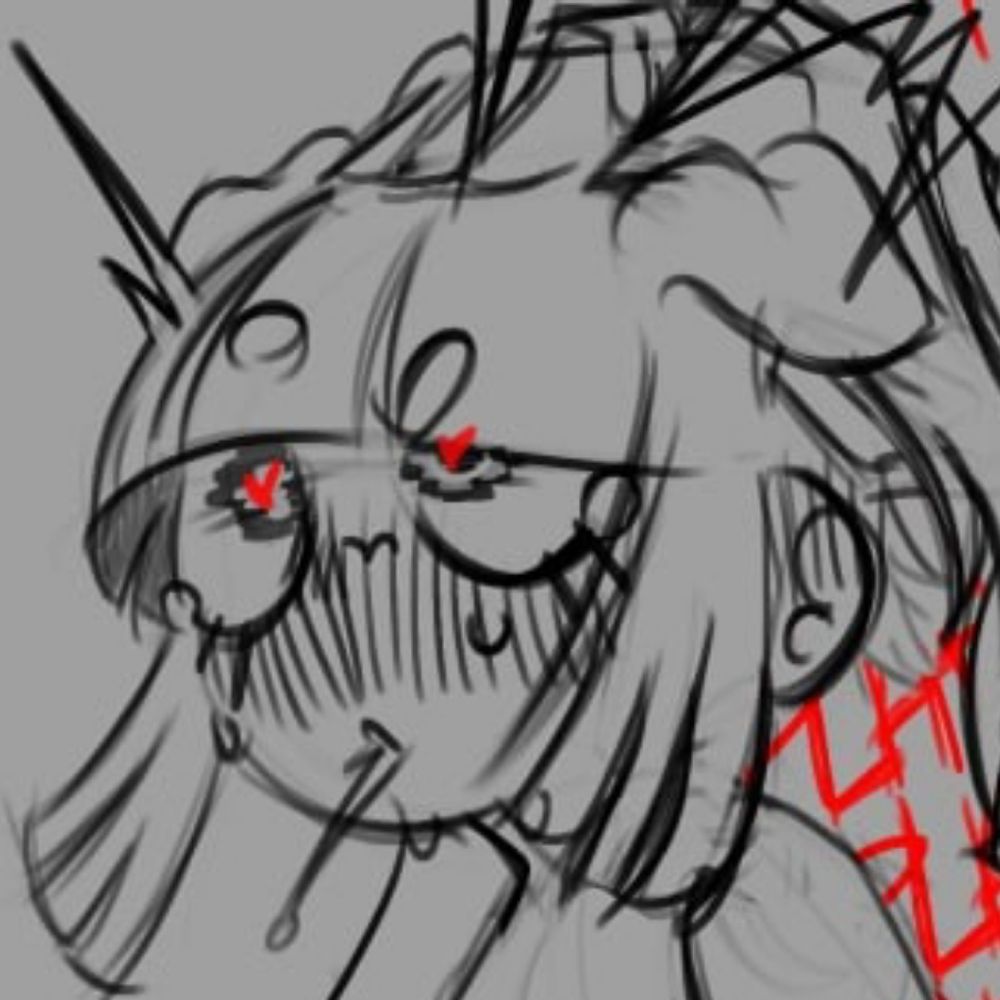
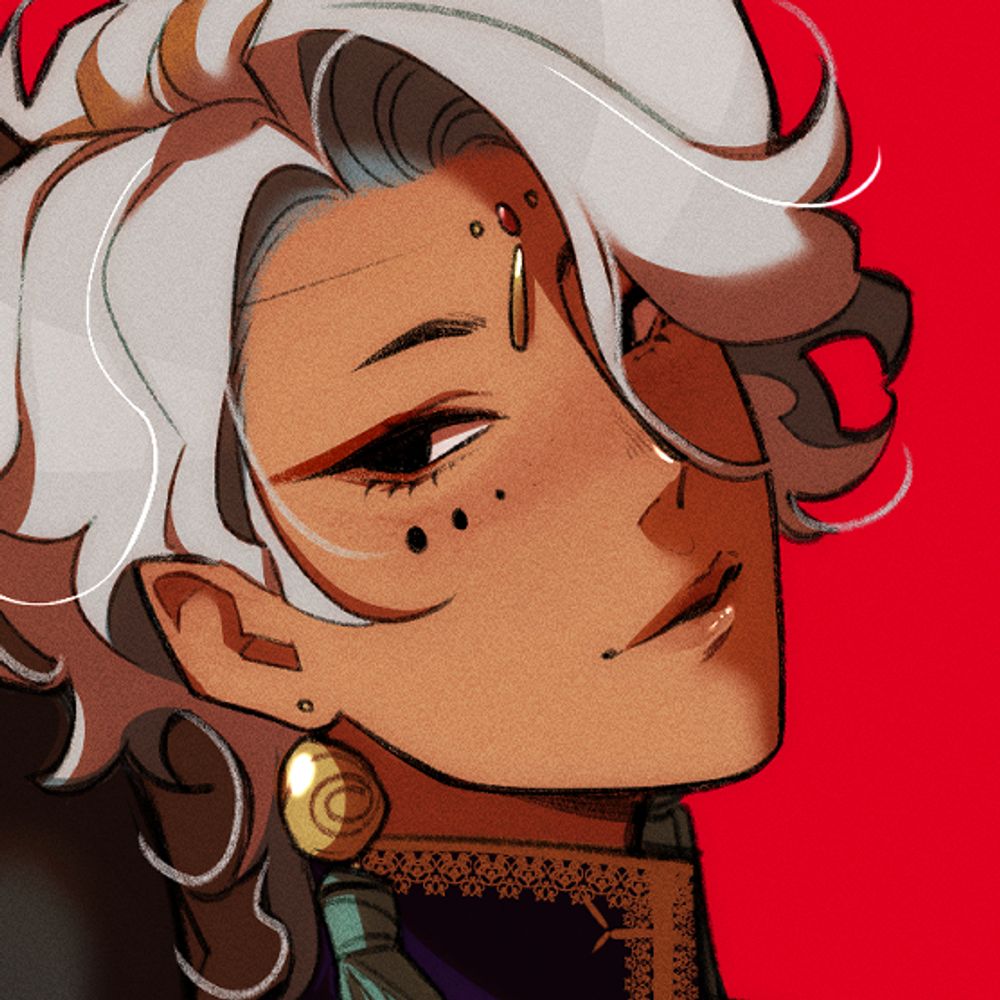
완성 안 할거같애서 그냥 올림 나중에 심심하면 완성하지않을가?
04.12.2024 10:25 — 👍 50 🔁 20 💬 2 📌 0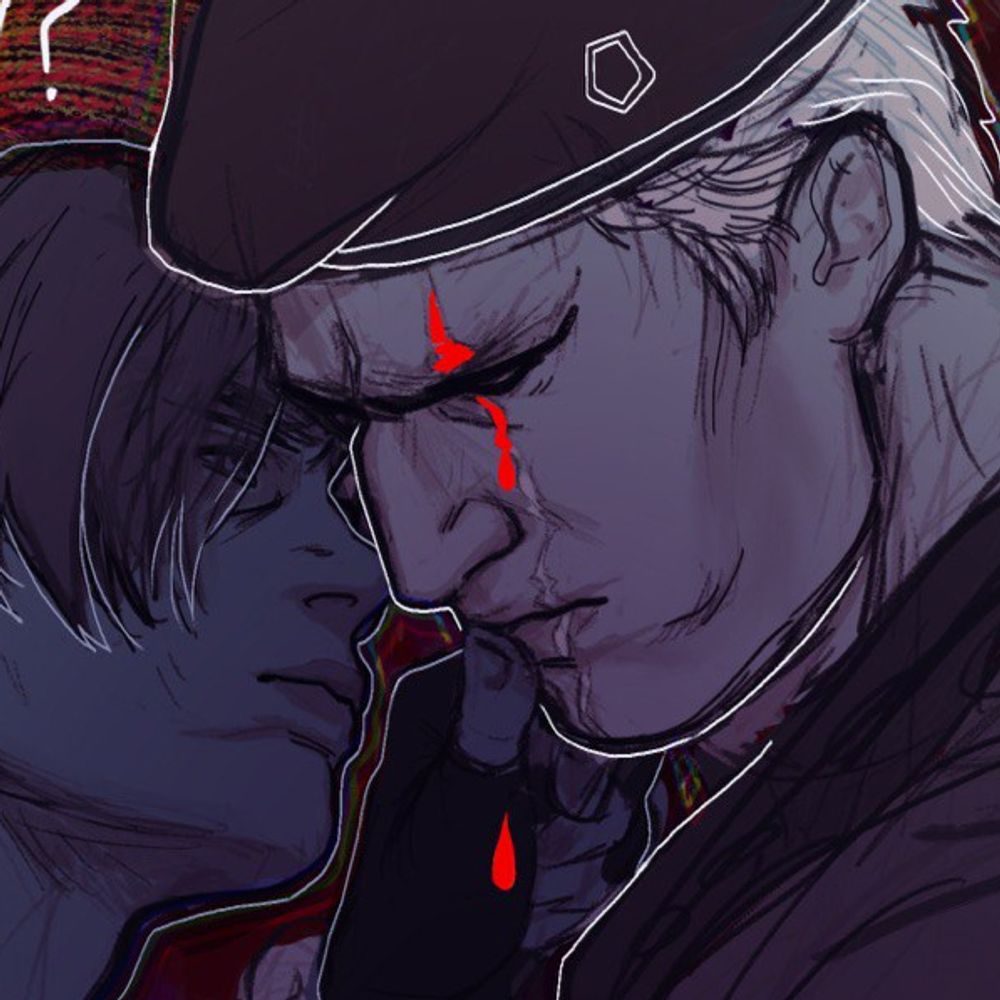
@fiammaa.bsky.social
Fiamma || 29 || (she/her) || ITA/ENG My commissions are OPEN! --> https://fiammaa.carrd.co/
완성 안 할거같애서 그냥 올림 나중에 심심하면 완성하지않을가?
04.12.2024 10:25 — 👍 50 🔁 20 💬 2 📌 0
Uh oh
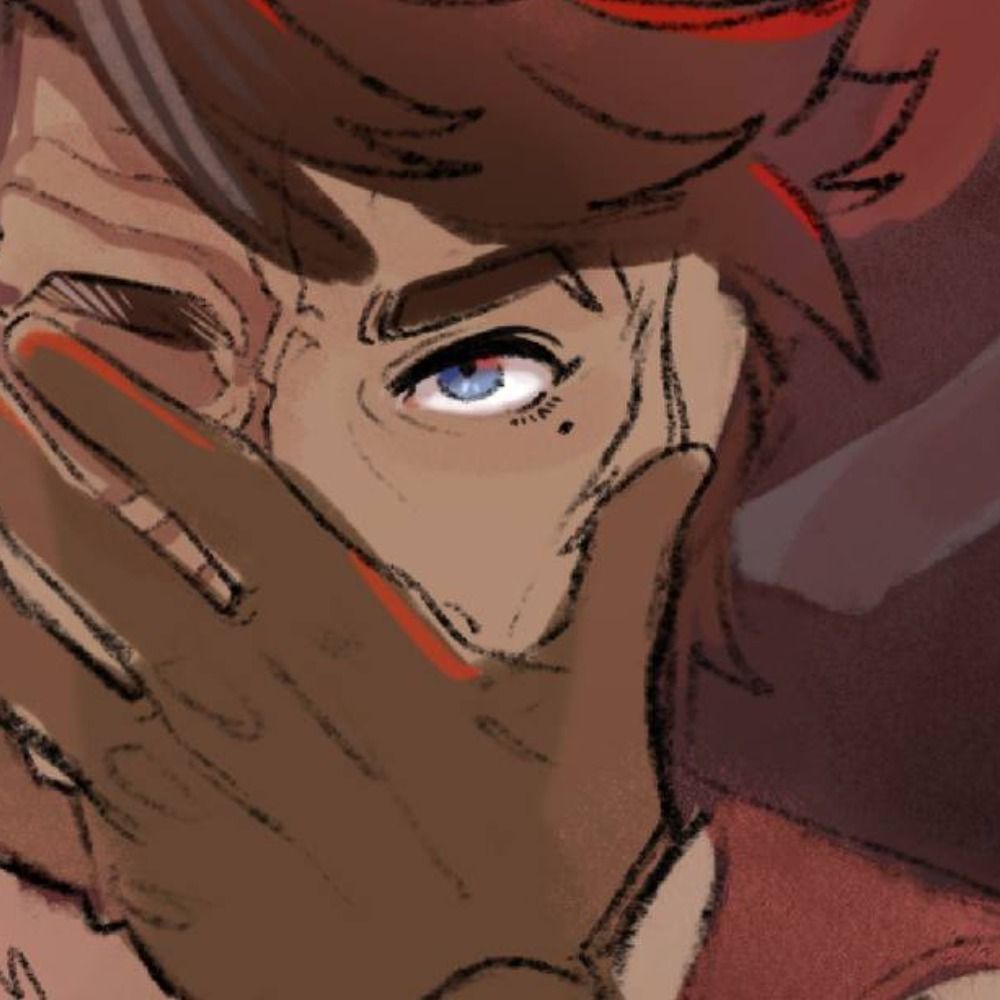
#re4 #LeonKennedy #JackKrauser #metaltango
I love him so much!! 😭❤️
27.11.2024 21:03 — 👍 1 🔁 0 💬 0 📌 0
✌🏼🤘🏼
#re4 #LeonKennedy #JackKrauser #metaltango

#resident_evil
#Jack_krauser
Yeah I love linking my favourite things goodnight
24.11.2024 02:44 — 👍 0 🔁 0 💬 0 📌 0
Not spoiling anything but finished #Arcane and if you know you know
#ArcaneSeason2 #SIGNALIS
This was meant to be a sketch, those wall lines doesn't lie hehe
21.11.2024 20:36 — 👍 0 🔁 0 💬 0 📌 0
My insp:
21.11.2024 20:35 — 👍 1 🔁 0 💬 0 📌 0
Ghost of yourself #re4 #JackKrauser
21.11.2024 20:34 — 👍 10 🔁 3 💬 2 📌 0
conjurer ✨
Nyx belongs to @fiammaa.bsky.social
#FFXIV #FFXIVart #ArtFight
HOW DID YOU FIND ME HERE JGHSBDLç INCREDIBLE anyway thank you very much again for this lovely portrait of my son, I LOVE IT!!!! <3 <3
21.11.2024 18:50 — 👍 1 🔁 0 💬 1 📌 0
Shht.... he's resting..... #RE4 #LeonKennedy
20.11.2024 19:55 — 👍 10 🔁 2 💬 1 📌 1
Comrade
#RE4 #LeonKennedy #JackKrauser #metaltango
I'll proably repost a lot of old drawings so bear with me
18.11.2024 00:44 — 👍 0 🔁 0 💬 0 📌 0I took my time but I'm finally trying to migrate here :) yay!
18.11.2024 00:43 — 👍 1 🔁 0 💬 1 📌 0![So you decided to join BLUE SKY
[it's not twitter]
#1 upload an avatar
#2 set Moderation Settings
(box showing moderation hand symbol) Moderation (arrow pointing to) Content Filtering
(arrow pointing to drawing of toggle) Toggle to enable Adult Content
THEN choose Hide, Warn, or SHOW
(star) tip: images are AI moderated so some slip thru & some G-rated images get tagged as "explicit", so "Warn" may be the bet choice atm
#3 Go to SETTINGS
(box with drawing of toggle) toggle require alt text on images (please ♥)
(arrow points to) Home Feed Prefs
(star) Use these settings to control seeing reposts & replies on your TL](https://cdn.bsky.app/img/feed_thumbnail/plain/did:plc:n5f7w4v7l65vjfaljp4727ng/bafkreiaaozu6zprnoecxn4qqv4gryupqregudxt3o6jno34phxjl5kwm5y@jpeg)
So you decided to join BLUE SKY [it's not twitter] #1 upload an avatar #2 set Moderation Settings (box showing moderation hand symbol) Moderation (arrow pointing to) Content Filtering (arrow pointing to drawing of toggle) Toggle to enable Adult Content THEN choose Hide, Warn, or SHOW (star) tip: images are AI moderated so some slip thru & some G-rated images get tagged as "explicit", so "Warn" may be the bet choice atm #3 Go to SETTINGS (box with drawing of toggle) toggle require alt text on images (please ♥) (arrow points to) Home Feed Prefs (star) Use these settings to control seeing reposts & replies on your TL
![#4 Go to My Feeds
Go to "Discover New Feeds" to search for interesting feeds like "Only Posts"
Click the "+" to add the feed
(box) Go to the (gear icon) [edit my feeds] here you can pin and unpin feeds
(side note) pinned feed will appear at the top of your TL
Don't forget to "♥" the feed when you click on it to preview, this helps others find it!](https://cdn.bsky.app/img/feed_thumbnail/plain/did:plc:n5f7w4v7l65vjfaljp4727ng/bafkreic6uxixfn3m5hjvkr5odzsdyf77orzkr5t3zcakccq4hi6ymnd6cq@jpeg)
#4 Go to My Feeds Go to "Discover New Feeds" to search for interesting feeds like "Only Posts" Click the "+" to add the feed (box) Go to the (gear icon) [edit my feeds] here you can pin and unpin feeds (side note) pinned feed will appear at the top of your TL Don't forget to "♥" the feed when you click on it to preview, this helps others find it!
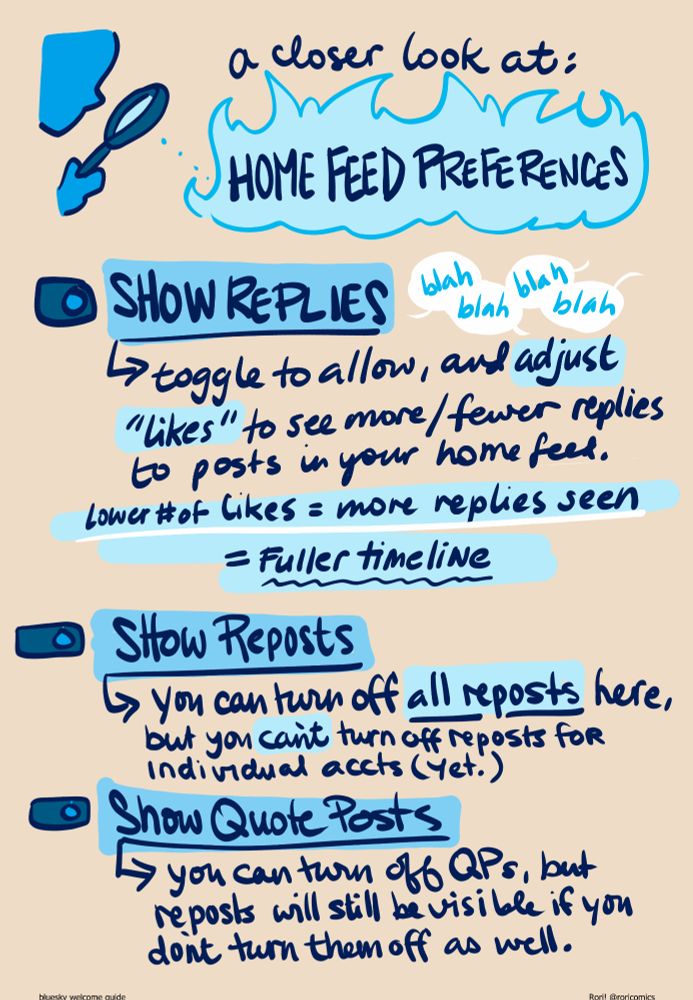
A closer look at: HOME FEED PREFERENCES (toggle drawing) Show Replies: toggle to allow, and adjust "likes" to see more/fewer replies to posts in your home feed (tl) Less likes = more replies seen = FULLER TIMELINE Show Reposts: you can turn off all reposts here, but you can't turn off reposts from individual accts (yet.) Show Quote Posts: you can turn off QPs, but reposts will still be visible if you don't turn them off as well.
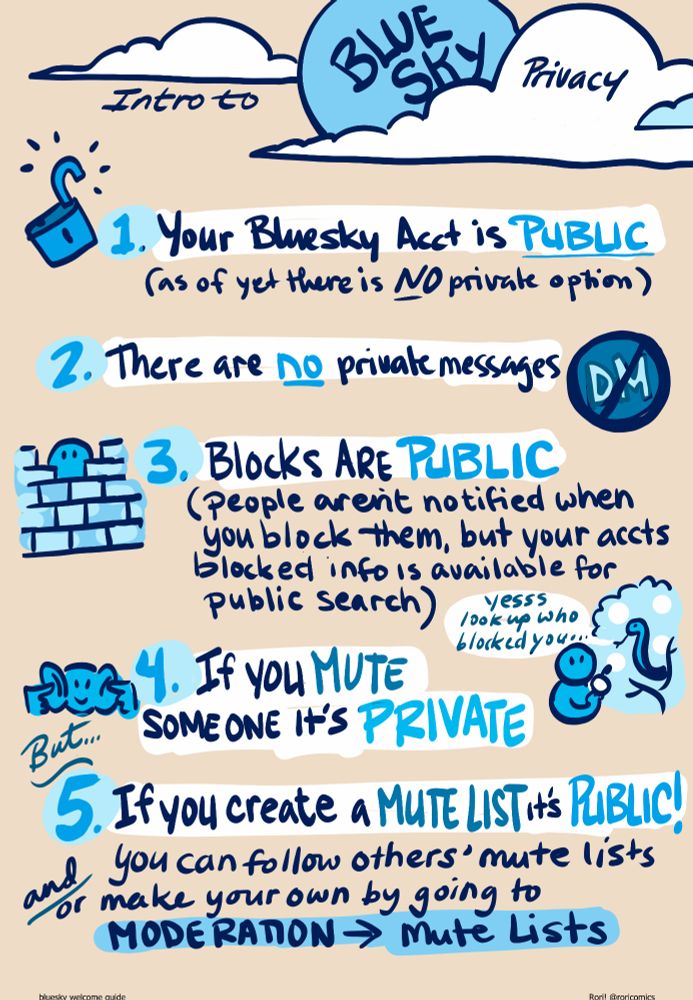
Intro to Bluesky privacy: (drawing of unlocked padlock) 1. Your Bluesky acct is PUBLIC (as of yet there is NO priovate option) 2. There are NO private messages (drawing of letters "DM" with no sign through them) (drawing of round face behind brick wall) 3. Blocks are PUBLIC (people aren't notified when you block them, but your block list info is available for public search) (drawing of snake tempting round face person saying "yesss look up who blocked you") (drawing of round face with fingers in ears) 4. If you MUTE someone it's Private but... 5. If you create a Mute Lists it's PUBLIC! you can follow others' mute lists and/or make your own by going to Moderation --> Mute Lists
Okay! So threading can be rough here! Here's all my "guide" together if you need it (not exhaustive, just the stuff I tell folks to get them started :) )
(with alt text ♥ )