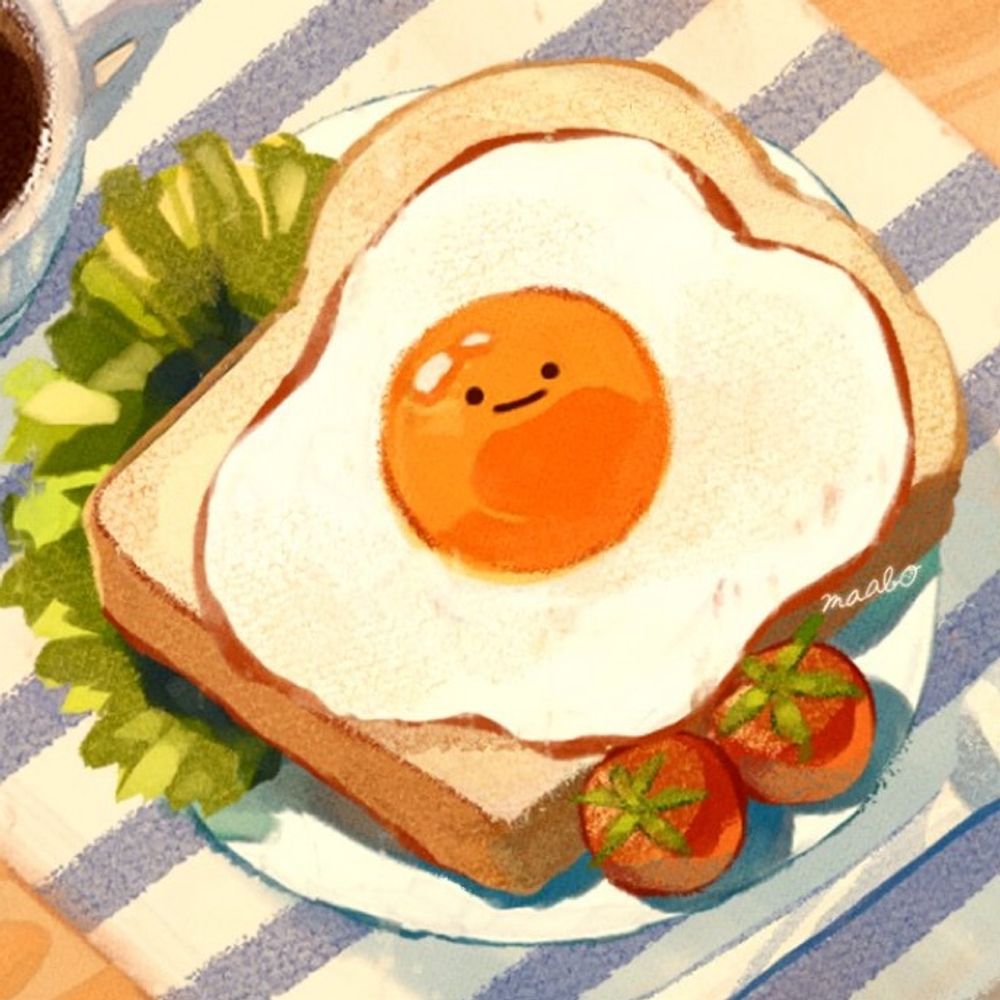
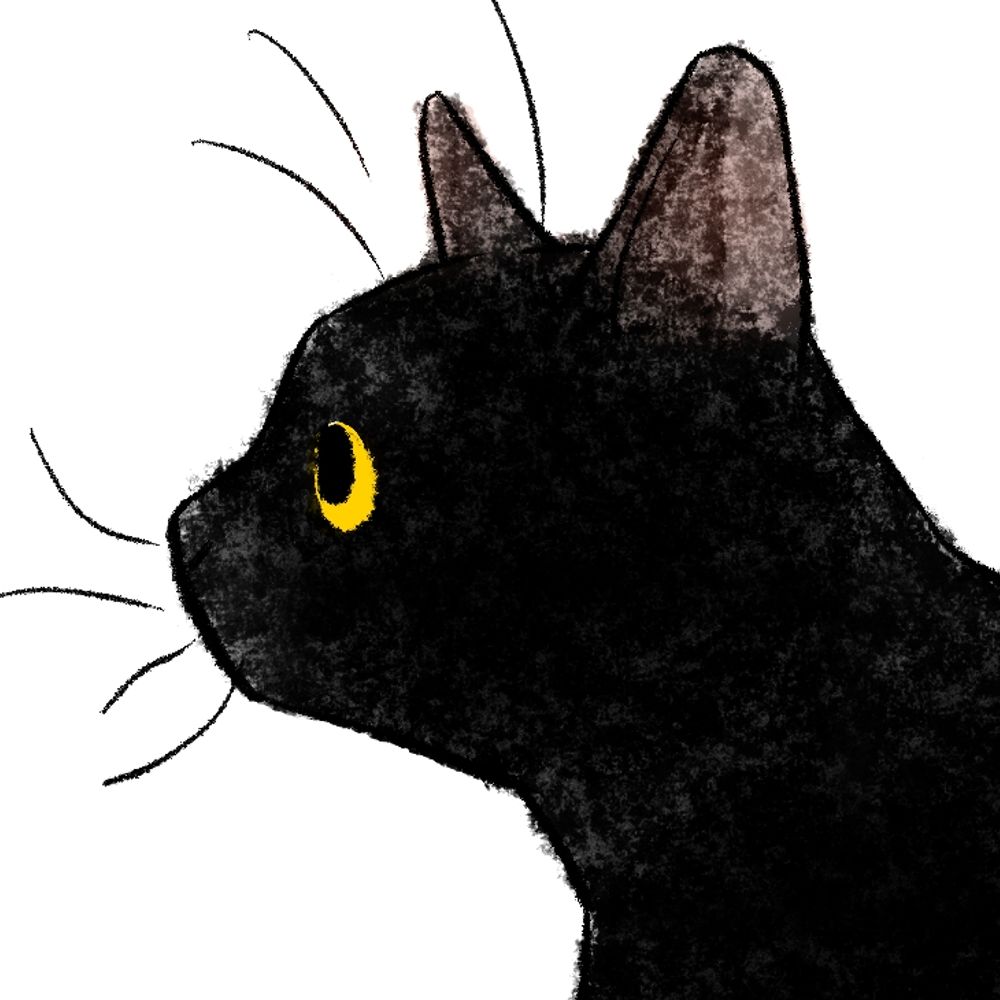
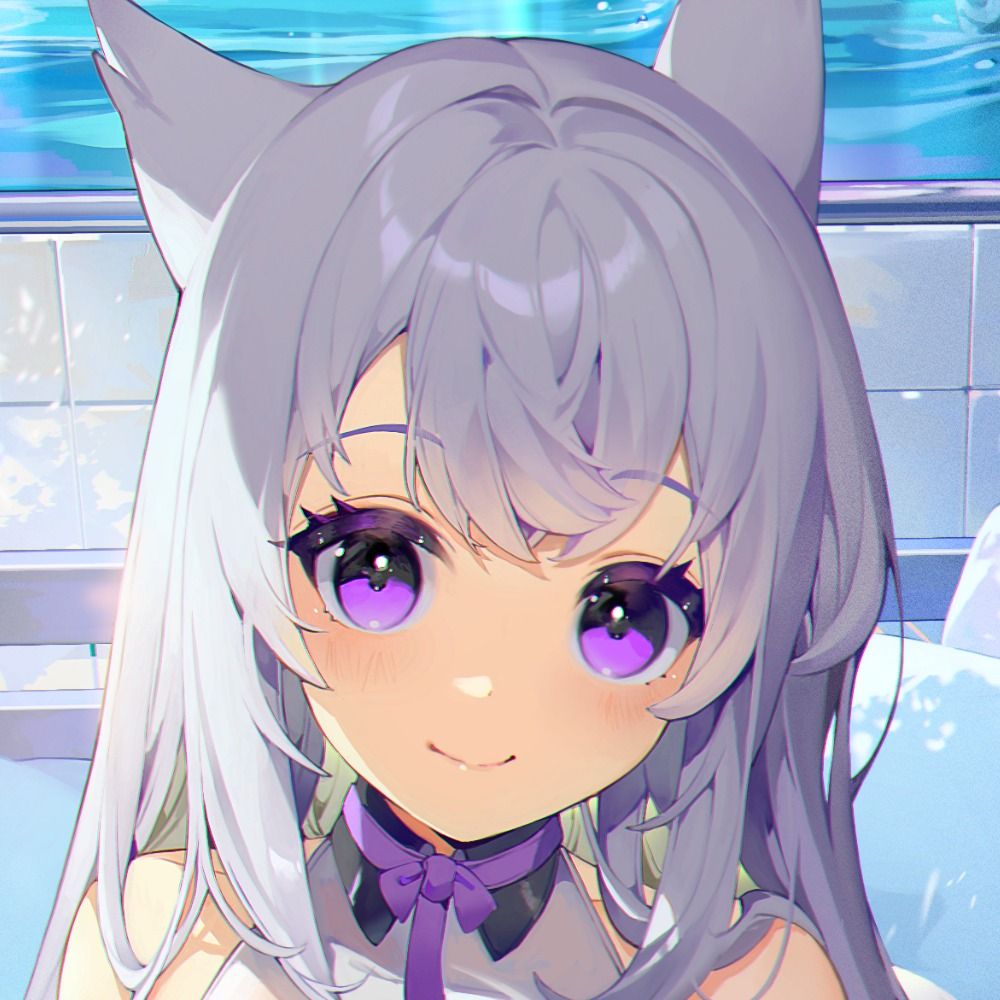
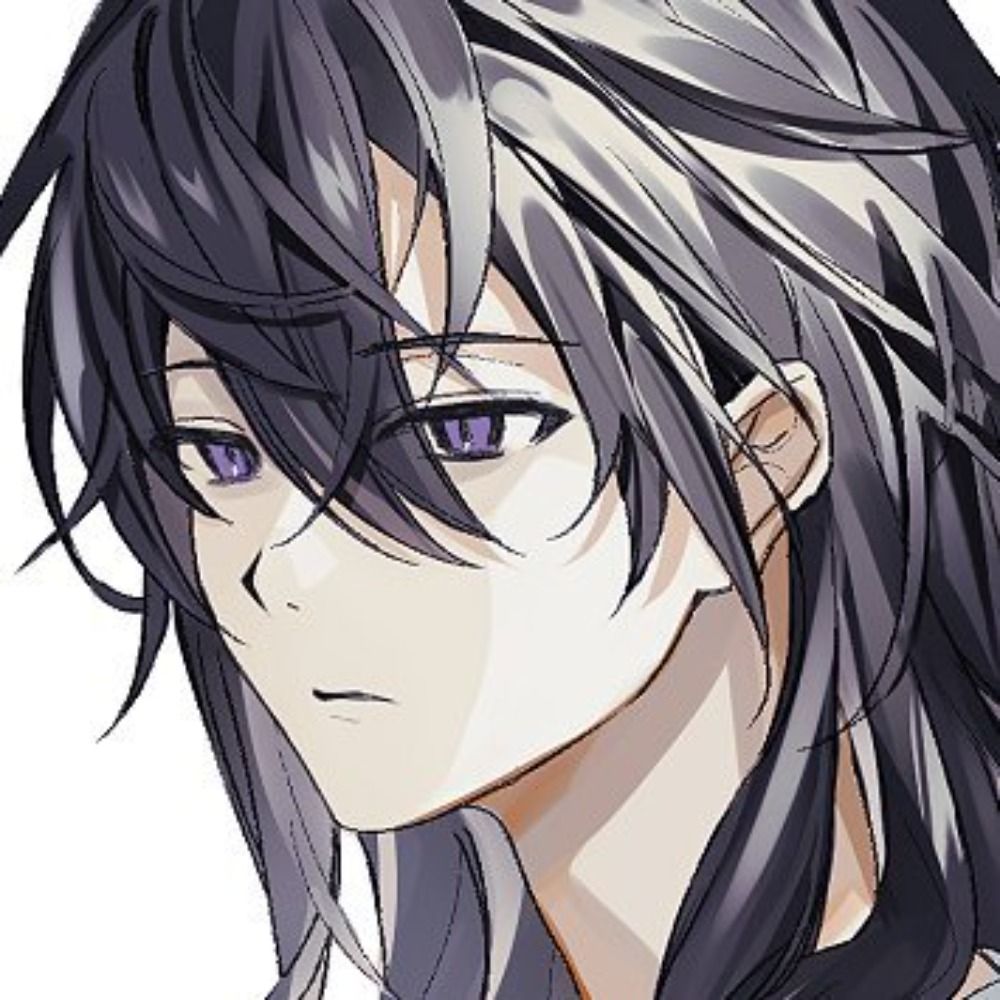
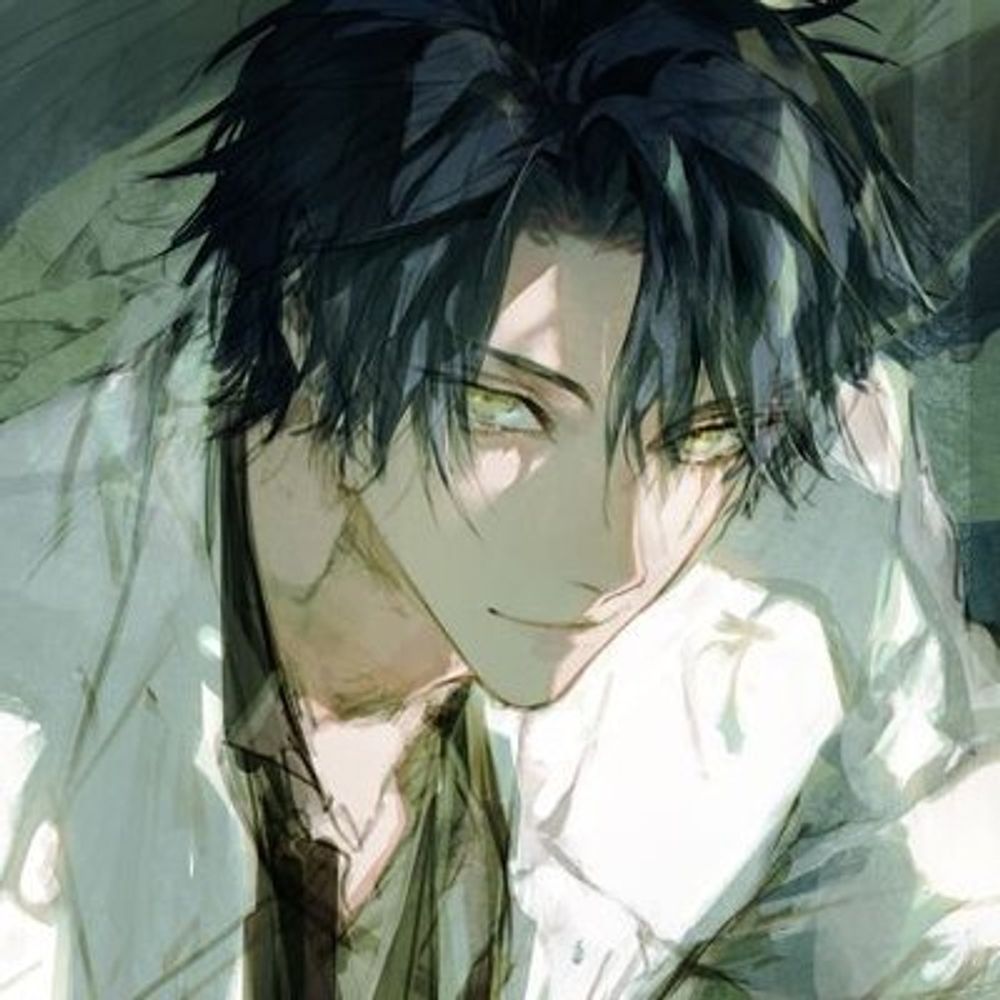
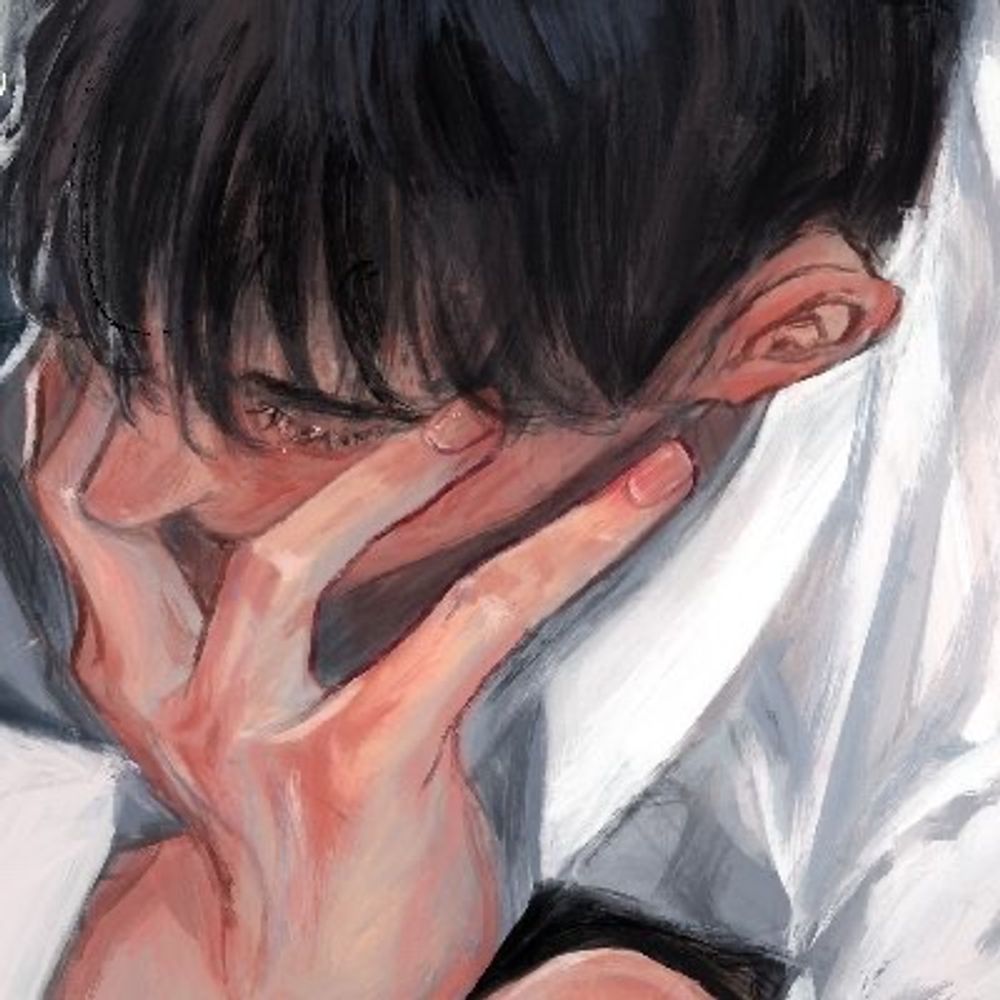
I wish...🍋🍊
09.01.2026 08:52 — 👍 102 🔁 43 💬 3 📌 0
@torinokpun.bsky.social
สร้างเผื่อทวิตล่มไว้ค่ะ วาดรูปเล่นและบ่นหิวทั่วไป ชอบแมวและสัตว์น่ารัก ติดตามงานartต่างๆ (ov o
I wish...🍋🍊
09.01.2026 08:52 — 👍 102 🔁 43 💬 3 📌 0
#ArtSummary2025 🎨
เว้นว่างไป 2 เดือน

illustration oc cat dog
🐾
#OC
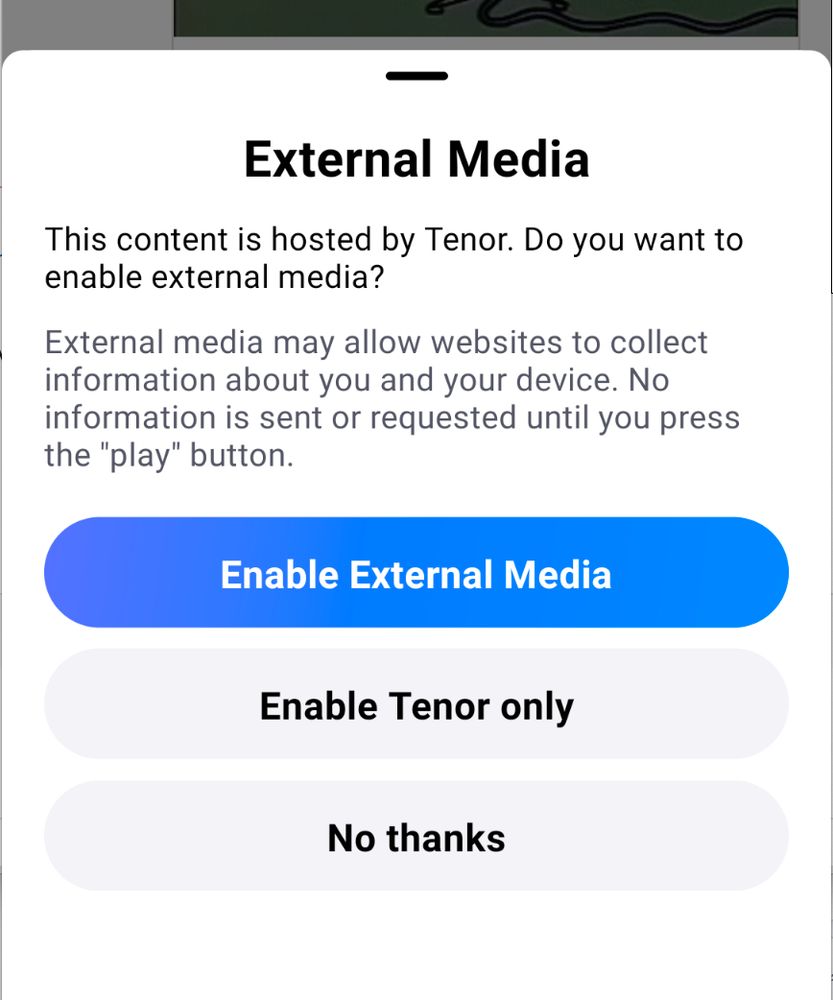
External Media This content is hosted by Tenor. Do you want to enable external media? External media may allow websites to collect information about you and your device. No information is sent or requested until you press the "play" button. Enable External Media Enable Tenor Only No thanks

Settings screen. Privacy. External Media Preferences.

External Media Preferences Customize media from external sites. External media may allow websites to collect information about you and your device. No information is sent or requested until you press the "play" button. Enable media players for YouTube, YouTube Shorts, Vimeo, Twitch, GIPHY, Tenor, Spotify, Apple Music
📢 1.63 is rolling out now (3/4)
Another @haileyok.com contribution: the embedded media player now supports gifs from GIPHY and Tenor, videos from Vimeo, and songs from Apple music.
Since these players reach out to third party services, there’s also now a consent modal.
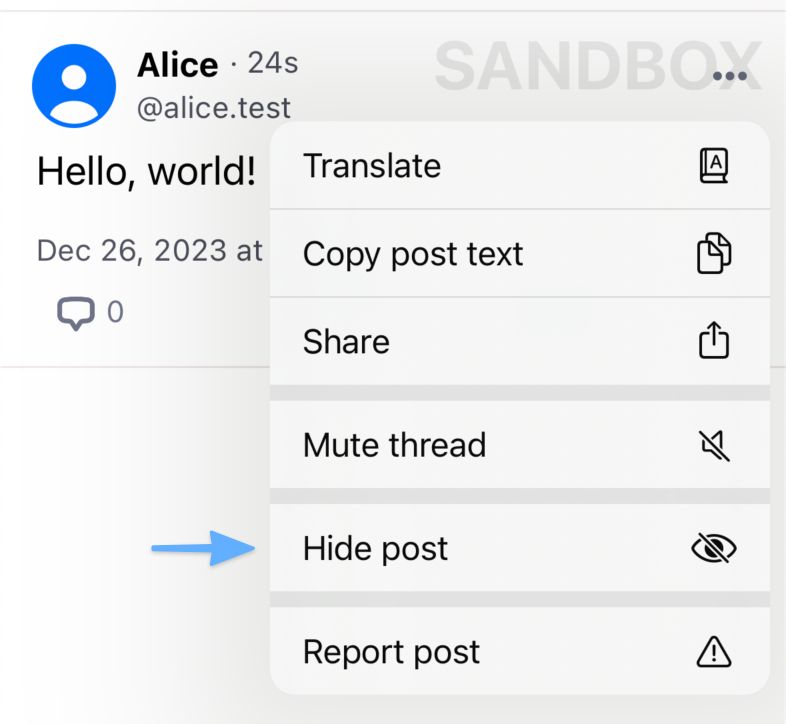
A screenshot of the post dropdown with an arrow pointing to the "Hide post" option
📢 1.61 is rolling out now (2/3)
You can now “Hide Post” if there’s something you don’t want to see again. It will be removed from your feeds and put behind a mask if you visit it directly.
(This feature is in beta; hidden posts are not yet synced between your devices.)

#OCofTheYear2023 #nnnOCs
มานึกรวมๆปีนี้ก็น่าจะตามนี้ 🎨
เดี๋ยวมาเวิ่นแต่ละคนใต้โพสต์อีกที(แบบไม่รีบ(...))👇
📢 1.58 is rolling out now with some bugfixes
• Links in profiles should be clickable again
• The keyboard no longer obscures the "Who can reply" interface
• The reply prompt no longer shows if you are not able to reply
• The "add user to lists" interface no longer shows lists you don't control
1/n
📢 1.57 Additional Updates
• Replies to blocked users will no longer show in your feeds
• Unread notifications now behave a little better
• User lists can now be muted/unmuted or blocked/unblocked like moderation lists
• Moderation labels on quoted posts correctly apply to the quote now
4/4
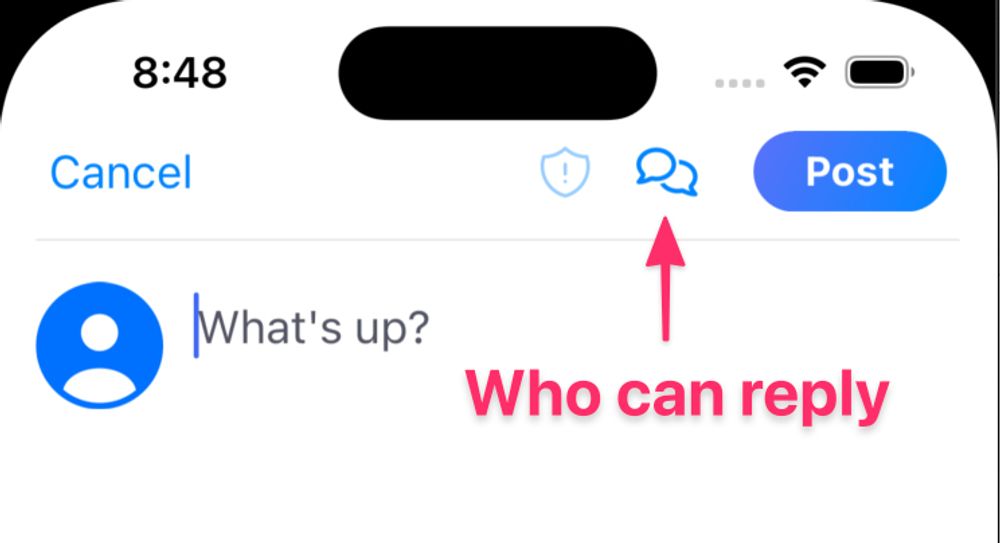
A screenshot of the post composer with an arrow to the speech bubbles icon labeled "Who can reply"
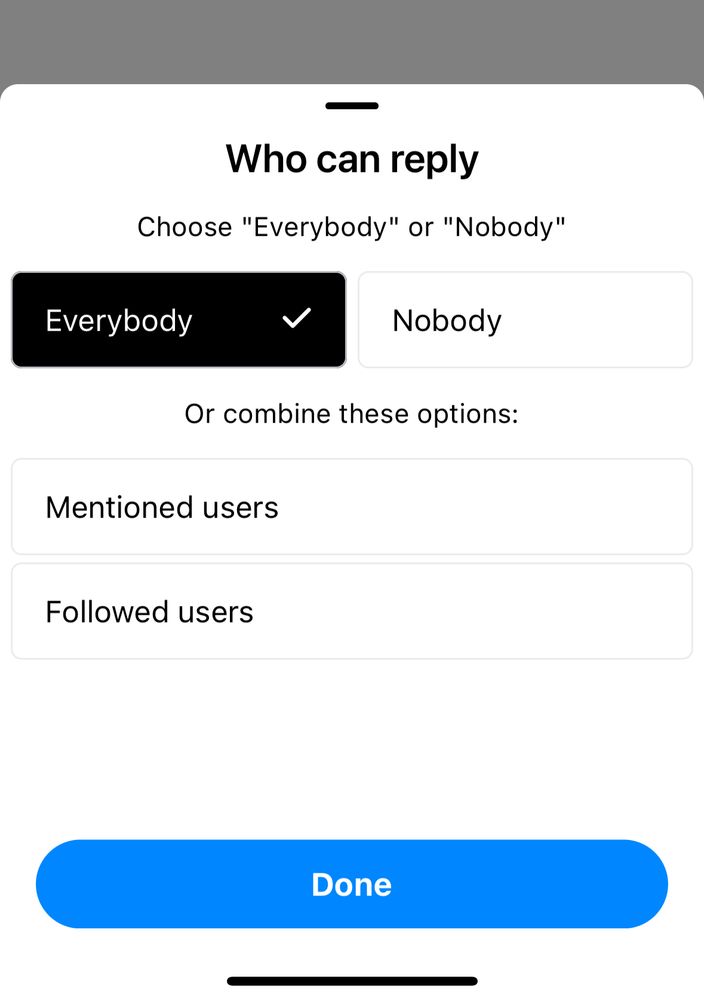
A screenshot of the "Who can reply" interface which says Choose "Everybody" or "Nobody" or combine these options: "Mentioned Users," "Followed users"
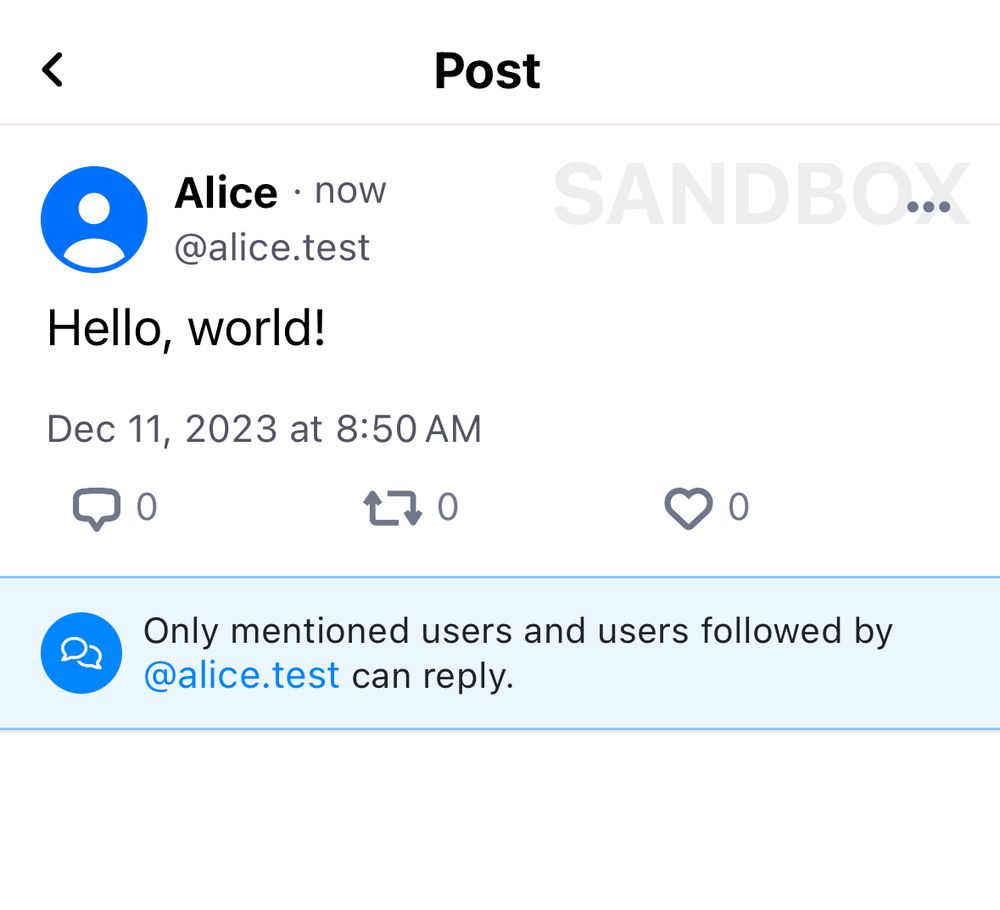
A screenshot of a post by "Alice" which says "Hello, world!". Underneath the post an interface explains that "Only mentioned users and users followed by @alice.test can reply."
📢 1.57 Thread Reply Controls
When you compose a post, you can now choose who is allowed to reply to your posts. Options include nobody, mentioned users, followed users, and members of lists you’ve created. 2/4
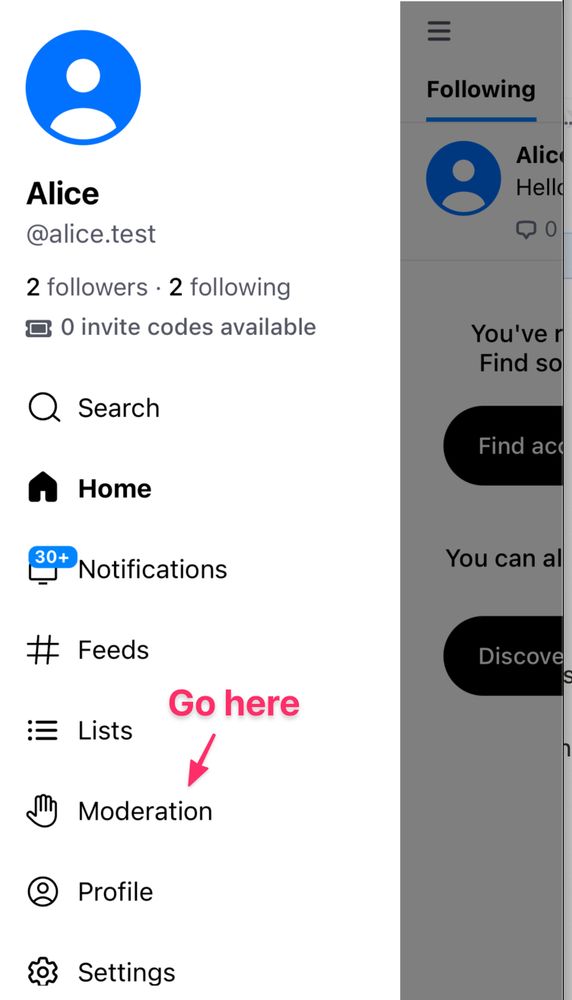
A screenshot of Bluesky's side navigation. An arrow labeled "Go here" points at "Moderation"
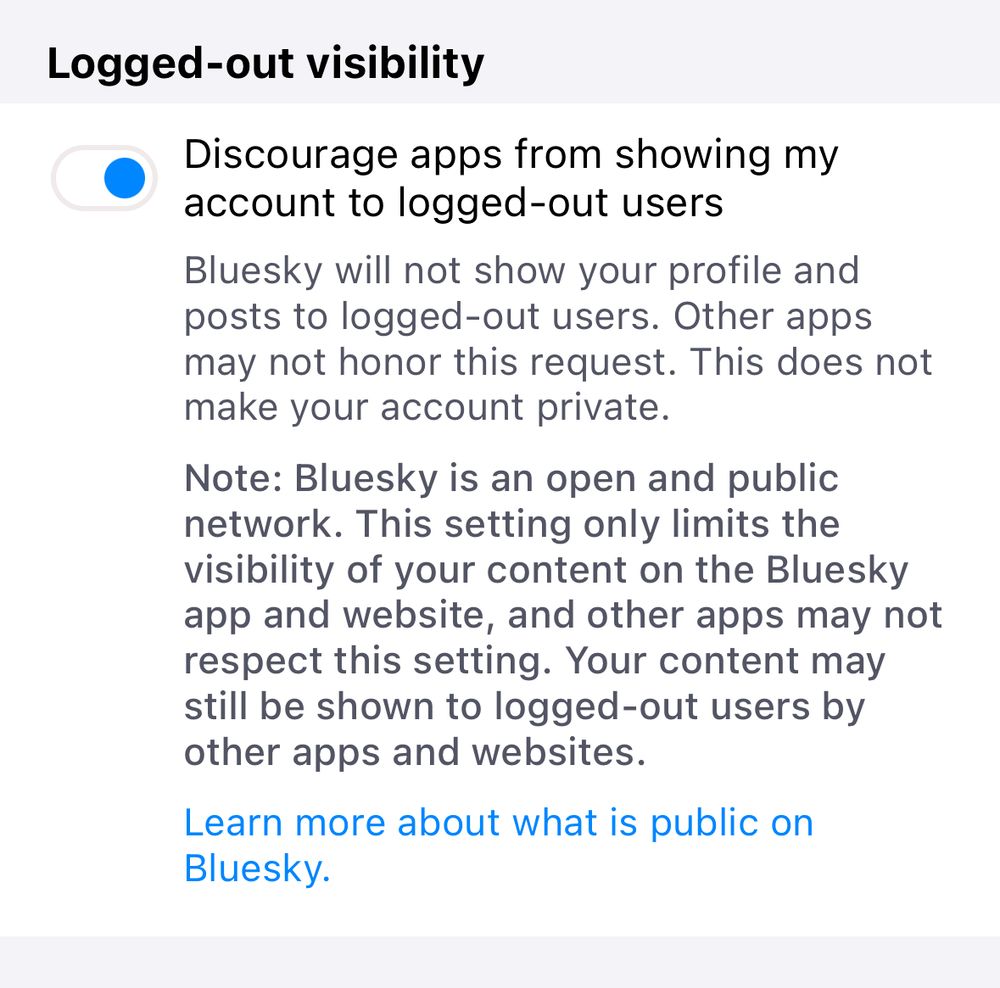
A screenshot of the "opt out" interface Discourage apps from showing my account to logged-out users Bluesky will not show your profile and posts to logged-out users. Other apps may not honor this request. This does not make your account private. Note: Bluesky is an open and public network. This setting only limits the visibility of your content on the Bluesky app and website, and other apps may not respect this setting. Your content may still be shown to logged-out users by other apps and websites.
📢 1.57 Logged-out visibility
Next week the Bluesky app and website will enable logged-out viewing. If you dont want Bluesky to show your content, you can select this new option in the Moderation screen.
Remember Bluesky is a public network. This setting only adds friction to seeing your posts. 3/4
Another in-progress feature coming soon is reply controls, so users can set who can reply to their posts — for example, only people you follow, users on a certain list, etc.
30.11.2023 18:25 — 👍 690 🔁 178 💬 21 📌 70Exciting news: We’re taking another step to making Bluesky an open network for public conversations.
Around the end of this month, we’ll release a public web interface. With this, you’ll be able to view posts on Bluesky without being logged in on an account.


Hi , I'm KAZ ! 2D artist freelancer
I mainly draw OC & fanart sometimes.
Here are some of my blue-toned artwork that I'm rlly proud of 🥰
2 are Hades and Alchemystars fanart
the other 2 are my beloved children !
Nice to meet ya guys !

🌕 #XXL_DWW
16.11.2023 07:17 — 👍 35 🔁 13 💬 1 📌 0


The final day.
#FFXIV

วาดภาพรวมตี้ DnD Lost Mine of Phandelver : HARDCORE!
แคมเปญที่ไปเล่นที่ช่อง gluniverse
รันแบบ Hardcore ทอยแสตททอยคลาสทุกอย่าง--- แล้วก็ลุ้นให้มันรอดชีวิตให้ได้--
เป็นตี้4คน แต่ที่ในนี้มีตัวละครมากกว่า4...ก็เพราะรวมตัวละครที่ตายไประหว่างแคมเปญด้วยยังไงล่ะ---
#dndart #DnD

chibi art
👑🪄 #XXL_DWW
16.11.2023 08:47 — 👍 42 🔁 21 💬 1 📌 0ไม่มีภาพนะ+ใช้สกายฟี้ด
ก่อนอื่นคือเตรียมของก่อน
- กด ••• → Copy JSON โพสต์ที่เราอยากปักหมุดบนฟี้ด
- ได้อะไรยาว ๆ มา → ดูแค่แถว "uri" เก็บส่วน at://... เอาไว้
- Add Block → ตั้งค่าเป็น Input - Single Post
- ย้ายบล็อกสร้างใหม่ไปไว้ท้ายสุด
- ในช่อง Post URI ใส่ส่วน at://... ที่เก็บมาลงไป
ละมันก็จะเอาโพสต์ที่เราต้องการไว้บนสุดของฟี้ด เป็นการปักหมุดค่ะ
Feeds รวม How to และข้อมูลสำหรับทำนั่นนี่ใน Bluesky ที่เราทำไว้เมื่อวานค่ะ
ตอนนี้มี
1. Create Feeds
2. เปิด/ปิด การดู Content 18+
3. แปะลิงก์เพลงให้ภาพขึ้น+แปะลิงก์ให้ภาพขึ้น
4. การ Quote Post
5. ดูที่เราถูก Mention ฯลฯ ด้วย Feeds: Mention
6. Post ให้ติด Feeds ที่จับภาษานั้น ๆ
7. ปักหมุด Feeds
8. เปรียบเทียบ Feeds: Mention กับ Feeds: All Mention

To all my newer followers, I highly recommend using @deck.blue for all your Bluesky browsing needs on desktop.
Just for that good ol' fashioned Tweetdeck experience!

Notification รก ปนไปหมดที่งโน่นนั่นนี่จนหาที่คน Reply-Mention เราไม่เจอ มีทางแก้~~~
1. ไปที่ icon menu # ของแอป
2. เลื่อนมาที่ Discover new feeds > ค้นหา Mentions > กด + ทางขวามือเพื่อเพิ่ม feeds ดังกล่าว
3. เข้าไปที่ Mentions Feeds ดังกล่าวเพื่อดูที่คนมา Reply-Mention เราได้เลยค่ะ
ปล. ขอบคุณคนที่ทำ feeds นี้มาแก้ปัญหาระหว่างแอปพัฒนาด้วยค่ะ 🥹

ชินและแมวของชิน
09.10.2023 07:12 — 👍 13 🔁 13 💬 1 📌 0
🏰 Nichwahr Adelshäuser [Pre-Order] 🏰
โพสแรกไม่รู้ลงอะไรดี ขายของแล้วกันค่ะ55555
forms.gle/sExMcDQT7iDjMN…
#Nwynil #CA8


สวัสดีค่า กานต์เองค่ะจากทวิต @KarnelopyArt
สายวาดตามกำลังที่มี หลักๆ ชอบวาดออริค่ะ(แต่จริงๆ ชอบอะไรก็วาดหมดตามใจฉัน จิปาถะมากจริงๆ 555) 😂
ขอฝากตัวกับบ้านหลังใหม่ด้วยค่า ในนี้น่าจะได้ลงรูปวาดเล่นไม่จริงจังบ้างพูดคุยเล่นบ้าง แวะเวียนมาพูดคุยเล่นได้เสมอ! 💞
หวังล็อคแอคยังไม่ได้ วงเขียวยิ่งห่างไกลจริงๆค่ะ /นั้มตา /ตึงต่อการโพสสิ่งต่างๆสาธารณะเกินไป Tv T
11.11.2023 07:35 — 👍 2 🔁 0 💬 1 📌 0
Screen of Kellie Nicely's instructions of how to make your own Art Feed.
Tip for ILLUSTRATORS 🎨: Did you want to create your own art feed for people to browse? @kellienicely.bsky.social has a step-by-step guide!
You can see Kellie's Art feed here as an example. If you do make your own art feed, pls reply to this post w/link to your feed, so others can see.
• ตอนนี้แท็บ likes ดูได้แค่เราเอง แอคคนอื่นมาส่องไม่เห็นนะ ส่วนตัวดี
• แอคไหนตรวจพบว่าเป็นสแปม น้องฟ้าจะมีบอกเลยว่ามันเป็นสแปม จะไปส่องก็มีคอนเท้นวอนนิ่งเตือนว่าสแปมนะ
• ตอนนี้แอคที่กดบล็อกจะไม่หลุดฟอล ก่อนหน้านี้ยังเห็นในฟลว.ด้วย แต่ตอนนี้เป็นแบบซ่อนแล้วแต่จำนวนฟอลยังเท่าเดิม
🚨 จะแจกโค้ดให้คนอื่นไปงอกแอคใหม่งี้อย่าแจก/เมนชั่นในนี้ มันมีต่างชาติขโมยตัดหน้าเอาไปใช้เร็วมาก
deck.blue's a TweetDeck alternative for Bluesky! You'll be right at home if you're missing a column-based layout to see everything at once!
- Multi-account
- Lists and Feeds
- Search and #hashtag columns
- Column customization
- Keyboard shortcuts
- Color themes
- Online backup
- Inline links


ลิงลองไปไถๆมานิดหน่อยเกี่ยวกับการจัดแต่งฟีด ดูเหมือนว่าจะ..
> เลือกภาษาที่จะให้ขึ้น feed ได้
> เลือกเพิ่ม/ลด feed (แถบด้านบนหน้าโฮม) แบบคอนเท้นเฉพาะกลุ่มได้ (และน่าจะบล็อค/มิ้วได้ด้วย)
> มีพวกงานอาร์ต หมาแมว nsfw mutual etc. อีกเยอะเลยยย