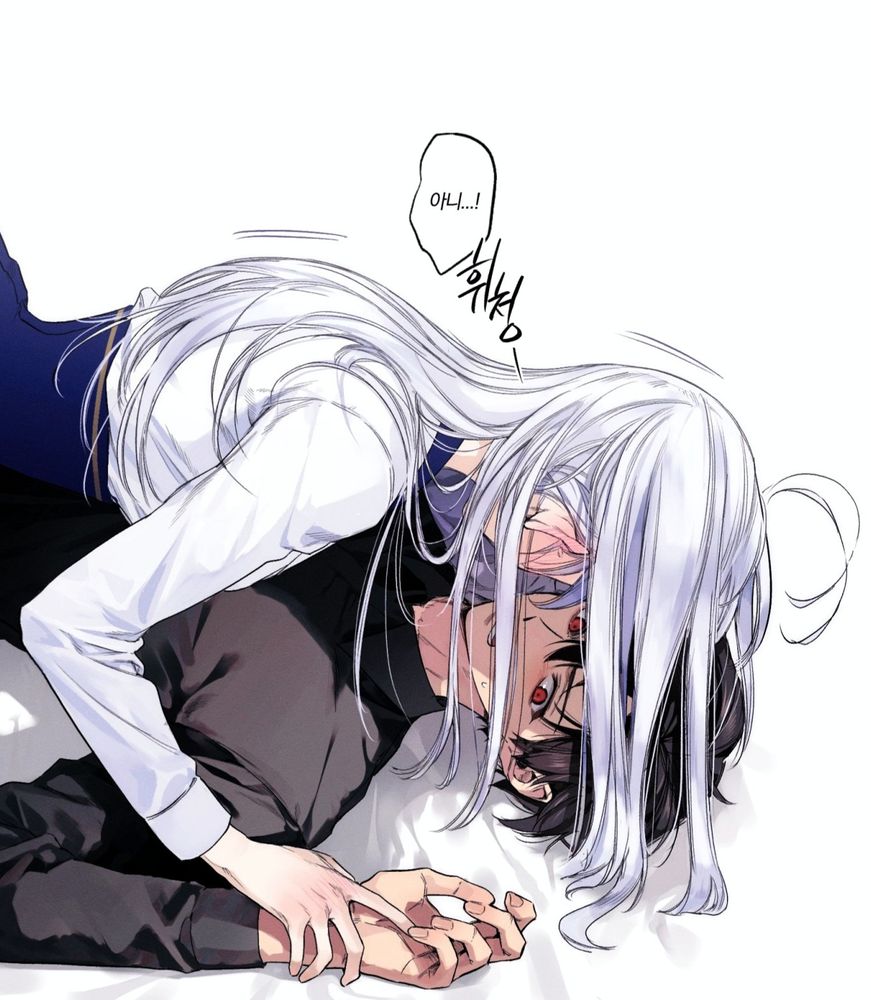
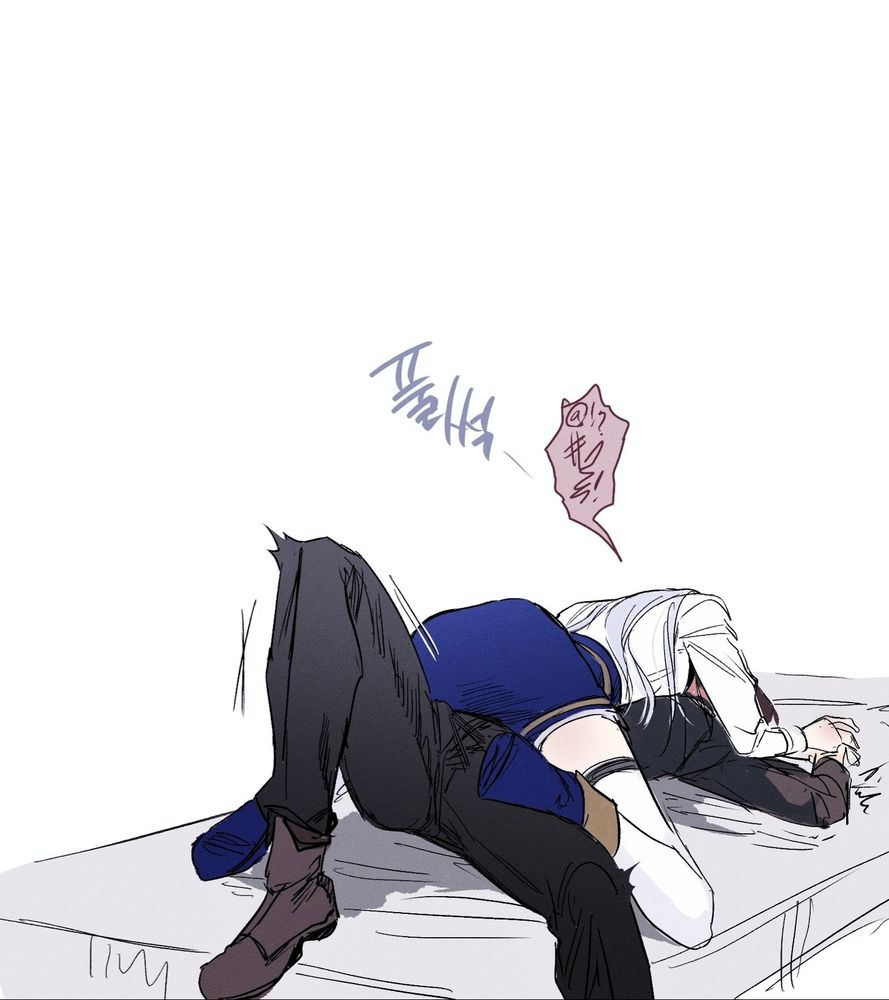
HELP!(신)
03.12.2024 06:10 — 👍 714 🔁 238 💬 3 📌 8
@akunoakari.bsky.social
Akari/Kristine | Lazy Artist | 20↑ | Sleep Deprived
HELP!(신)
03.12.2024 06:10 — 👍 714 🔁 238 💬 3 📌 8カラフルサイバー好きな人よろしくお願いします😀✨
#ブルスカ引越しフォロー祭り
#絵柄が好みって人にフォローされたい

#에이스테 #ALNST
02.11.2024 05:03 — 👍 714 🔁 175 💬 4 📌 4ว่าจะหาที่นั่งบนบีว่าง โดนป้าแซง เส้าสุด
25.10.2024 00:29 — 👍 0 🔁 0 💬 0 📌 0


#Template [4]
OC / roleplay / เขยใภ้-คู่รัก (ออริ)

เสร็จกี่โมง
22.10.2024 19:08 — 👍 1 🔁 0 💬 0 📌 0วันเดดไลน์แต่สายสุด ๆ 🥹
21.10.2024 01:45 — 👍 0 🔁 0 💬 0 📌 0ยังไม่ทันขาดคำคือมันตกเลย ละฉันที่กำลังจะสั่งข้าว55555
19.10.2024 07:59 — 👍 0 🔁 0 💬 0 📌 0ฝนจะตกอีกแล้ว orz
19.10.2024 07:58 — 👍 0 🔁 0 💬 1 📌 0
5. Hit Post!
Bonus tip
Hit "Win + ." in the deck.blue post composer to open an emoji selector. Alternatively you can type ":" and it opens an emoji drop down selector like in Discord.](https://cdn.bsky.app/img/feed_thumbnail/plain/did:plc:ikvaup2d6nlir7xfm5vgzvra/bafkreib533tnnypa3wpbtlbdopwkmrg67cuhjhx5i7ymjho7k6z6jjoa2y@jpeg)
Bluesky tutorial How to make links prettier. Follow these steps: 1. Log into deck.blue, a third party client akin to what Tweet Deck was for Twitter. 2. Compose a new post by clicking the button on the top left. 3. Copy your link, select text you want to turn into a link and hit paste (CTRL+V) 4. Your links should look this in the composer: [Text](https://link.com) 5. Hit Post! Bonus tip Hit "Win + ." in the deck.blue post composer to open an emoji selector. Alternatively you can type ":" and it opens an emoji drop down selector like in Discord.
Learn how to make links prettier! ✨
You will need to use the third party client deck.blue. You can log into it with your Bluesky account and an app password
#sky-tan #tutorial
ตั้งแต่รับบางคนเข้ามาในเฟซมันก็ไม่ใช่เซฟโซนอีกต่อไป-- บางอย่างเลื่อนไทม์ไลน์แล้วก็แบบ วั้ด
01.05.2024 15:30 — 👍 0 🔁 0 💬 0 📌 0นอนสองชม.=ทำงานแบบสมองไหล ปาดสีแบบออโต้ไพล็อต
12.12.2023 04:53 — 👍 0 🔁 0 💬 0 📌 0🥺!!!
25.11.2023 14:31 — 👍 3 🔁 0 💬 1 📌 0