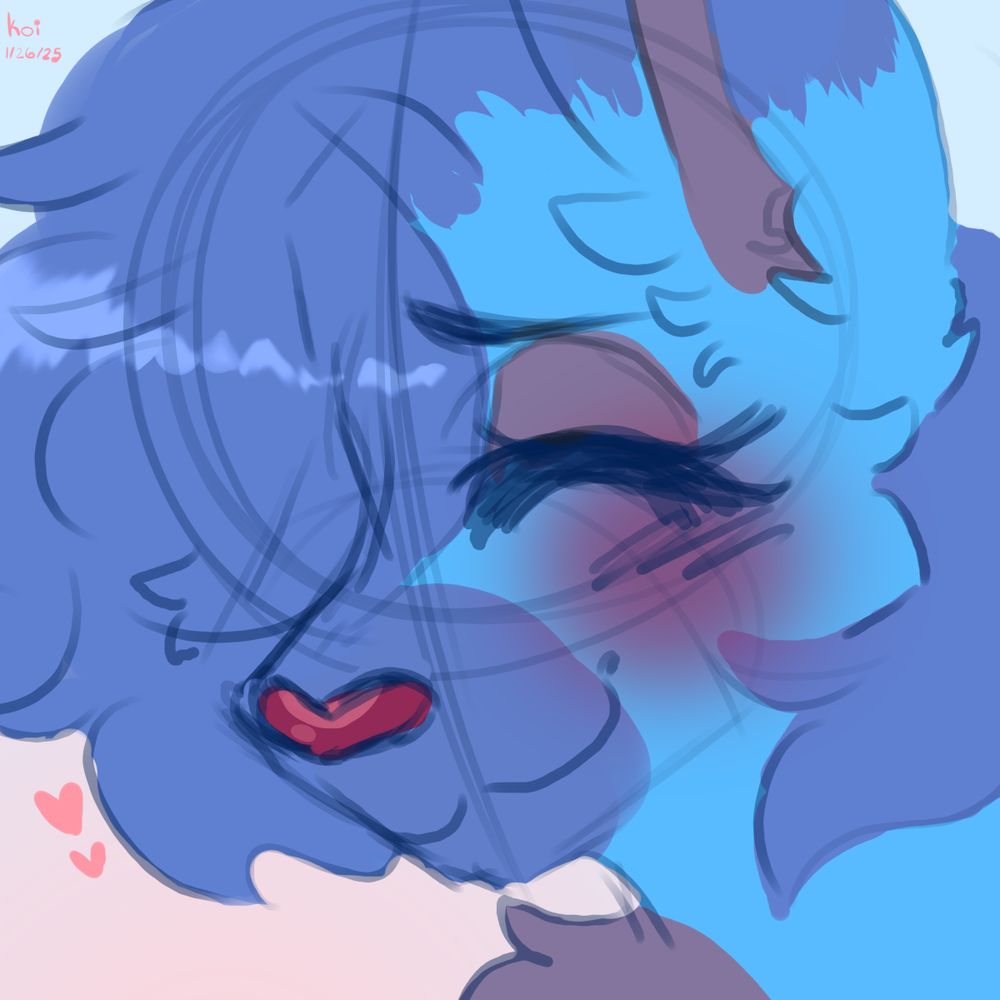
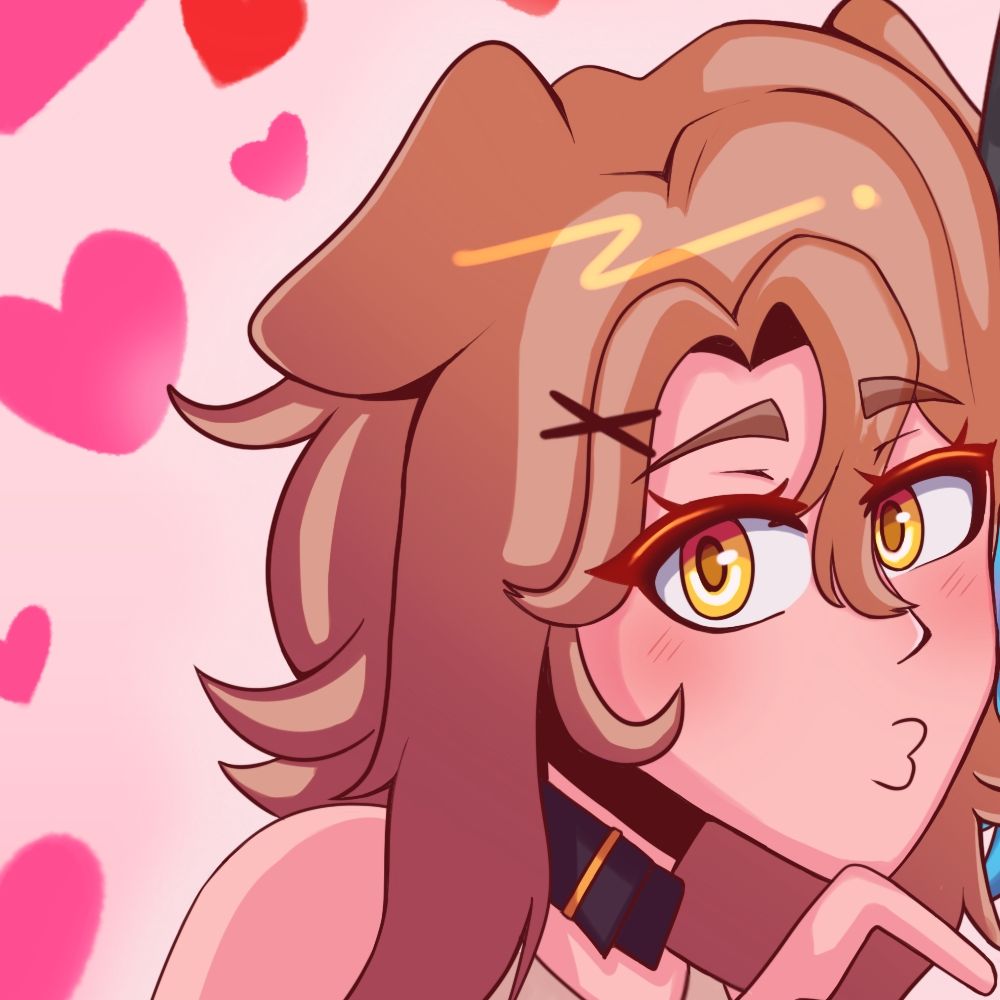
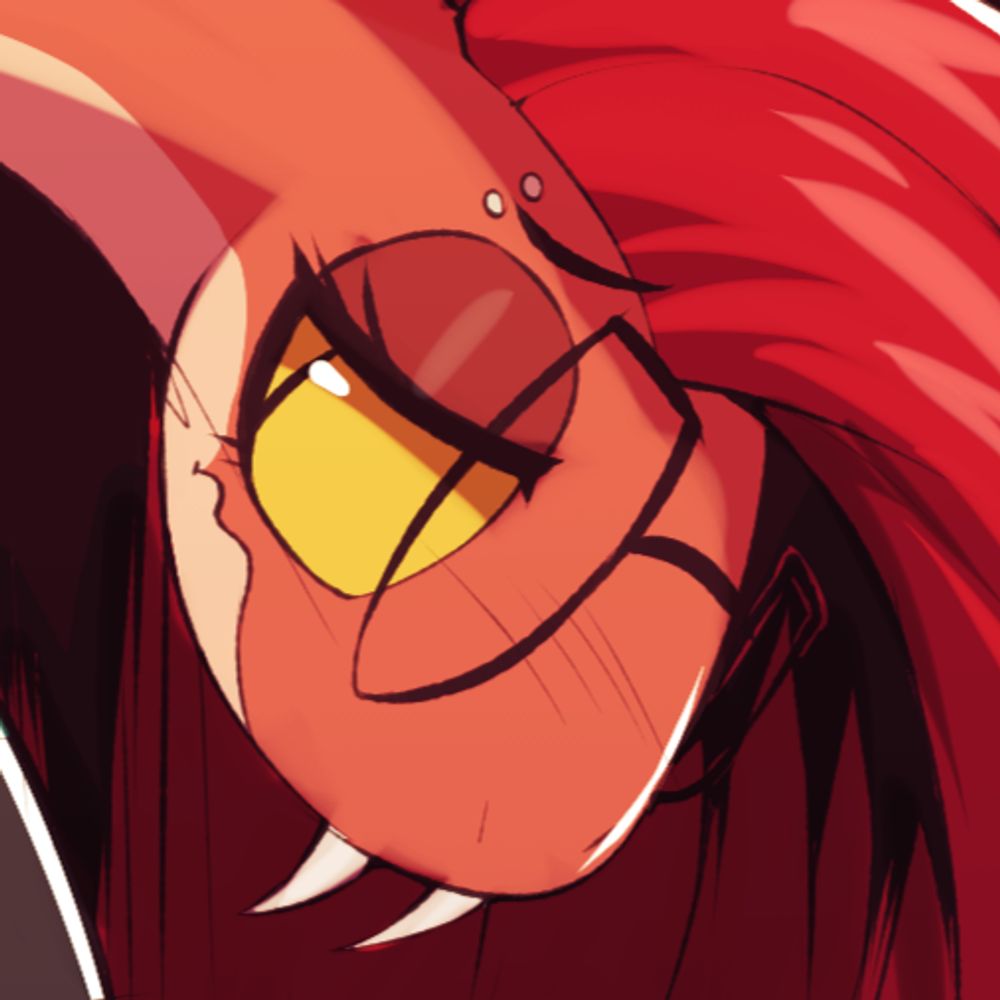
YCH Animated done for @/saizOwO
Bouncy protogen with fully charged battery!
28.11.2025 14:08 — 👍 426 🔁 109 💬 2 📌 0
Enjoy is a bit too strong right now. I suppose it's tolerance. But I'm trying to be better with it
25.11.2025 16:22 — 👍 1 🔁 0 💬 1 📌 0
Learning that I don't have to be the best yet is tough, but that's the journey I chose, I guess. Art won't be my career for a long time, But if I can learn to eventually like what I make, maybe that's okay too.
I'm not there yet, but I am grateful for people who do like the little stuff I can do.
25.11.2025 15:52 — 👍 3 🔁 0 💬 0 📌 0
They make my day! Truth be told, though, killing that desire to want to be seen has helped out a lot. I don't find myself tearing myself apart when something does terribly. If I post, that's enough, even if it's a crappy sketch or WIP that I'll probably never finish.
25.11.2025 15:52 — 👍 3 🔁 0 💬 1 📌 0
I guess it's real talk time: I don't like my art and I'm okay with that. I know it's not what I want from myself, but it's what I'm good at. Sketches and half finished work aside, it's what keeps me making stuff still.
I'm thankful for the people that do watch and like what I do-
25.11.2025 15:52 — 👍 3 🔁 0 💬 2 📌 0

These two are adorable, sharing a moment to compliment those snazzy sweaters they got!
Part 2 of Sweater Season artwork
#furry
24.11.2025 18:05 — 👍 6 🔁 0 💬 1 📌 0

Sweet Kunoichi
Happy belated Halloween I guess ;D This was what Niti wore for Halloween this year, and I just got around to drawing her in it. She's a sexy ninja girl.
#furry #furrygirl #furryart #furryfandom #oc #ocart
22.11.2025 22:50 — 👍 9 🔁 3 💬 0 📌 0


Sweet Kunoichi -NSFW-
And this was what Niti wore underneath her Halloween this year. ;3 It looks almost as if she expected to take the costume off for someone at the end of the night :3c It's almost like she has a husband who also dressed up.
#furry #furrygirl #furryart #furryfandom #oc #ocart
22.11.2025 23:08 — 👍 6 🔁 2 💬 0 📌 0
 20.11.2025 20:56 — 👍 217 🔁 31 💬 4 📌 0

Commission
08.09.2025 00:49 — 👍 925 🔁 140 💬 1 📌 0
He'd make you one, if you asked. He's very happy to make stuff for people
15.11.2025 16:46 — 👍 1 🔁 0 💬 1 📌 0

It's getting colder, so Volkner is making his family some sweaters for his family. Up first is Karma. She's the oldest kid and asked for something simple. She looks pretty good
#furry #furryart
15.11.2025 15:57 — 👍 6 🔁 0 💬 1 📌 0
As dumb as it sounds. I completed more rendered artwork this year than last year. I'll still attempt to make one or two more this year.
13.11.2025 13:37 — 👍 3 🔁 0 💬 1 📌 0
Not feeling artsy. Feeling like I should stop drawing
09.11.2025 12:24 — 👍 1 🔁 0 💬 0 📌 0
In the mood to just light my hard drive on fire and start over
09.11.2025 05:05 — 👍 3 🔁 0 💬 1 📌 0

Text post from Reddit describing how to fix Clip Studio Paint's Zooming
Text reads:
Been wondering the same thing! Just today thought to go back to wayback machine @ https://web.archive.org/web/20230103175408/https://www.reddit.com/r/ClipStudio/comments/bd2kjn/for_those_who_want_quick_zoom_inzoom_out_with/
But it said:
I'm fairly new to Clip Studio (got it during the sale), and I found that the zooming was agonizingly slow for someone like me that zooms in and out a lot. I searched around this sub and the Clip Studio support threads but the only answers I could find were those regarding the Windows 10 lag glitch, which wasn't what I was looking for. After messing around with Clip Studio, I finally figured out how to do it.
Go to File --> Modifier Key Settings and scroll all the way down to Mouse Wheel. Click on what should say "Common" and it'll show a dropdown menu; click "View Operation". It'll give you a list of options, and the one you want to click is "Scale up one size on the upper side/Scale down one size in the lower size" (or vice versa if you use inverse controls).
r/ClipStudio - For those who want quick zoom in/zoom out with mouse scroller (like SAI)
What this does is: rather than zooming in and out in weird small increments, it'll zoom in and out by each percentage that's in your Scale (can be found at File --> Preferences --> Canvas), which at default will be like 100%, 150%, 200%, 400%, 800%, etc., similar to SAI's zoom scale.
r/ClipStudio - For those who want quick zoom in/zoom out with mouse scroller (like SAI)
The zooming speed is almost exact to SAI now, which I had used previously before getting Clip Studio. I'm sure there are others who zoom in and out a lot like me, so I hope this helps whoever needs it.
Happy drawing!
Aside from what it originally said I personally like to assign Alt+Mouse Wheel to View Operation: Zoom in by up and zoom out by down incase I want to quickly zoom slowly. Hope that helps
End text
Of course I find out how to fix Clip Studio Paint's Zooming on a 3 year old deleted Reddit post in a 3-upvote reply reading what the solution really was. Thank you, Internet.
09.11.2025 04:57 — 👍 17 🔁 3 💬 0 📌 0

wear this
05.11.2025 21:12 — 👍 2711 🔁 391 💬 3 📌 2

2023. char belongs to pitsnpieces on twitter.
20.12.2024 18:38 — 👍 774 🔁 99 💬 1 📌 0
More than likely, you may see an alt account sprong up for me at the end of the year. It'll be for alternate art and maybe ill migrate sfw there.
03.11.2025 00:30 — 👍 3 🔁 0 💬 0 📌 0
Why is drawing so damn hard?
03.11.2025 00:23 — 👍 4 🔁 0 💬 1 📌 0
Damm right
02.11.2025 18:33 — 👍 1 🔁 0 💬 0 📌 0
Makes me wonder who made them act up like that.
02.11.2025 03:05 — 👍 1 🔁 0 💬 1 📌 0

Several half-baked sketches of Xenia, the would-be fox mascot of linux.

More sketches of Xenia, including a human-zed version! At the bottom is Tina the kangaroo-dragon (aka Gangurrux) making an Ahegao face!

Here's sketches of two more OCs, Grace and Euclid also doing ahegao faces
Oh, and here are some sketches I made of Xenia, the would-be fox mascot of linux, as well as some practice with Ahegao faces with my OCs Tina, Grace, and Euclid! Let me know how I did with those
02.11.2025 02:26 — 👍 5 🔁 1 💬 3 📌 1
Probably gonna open up commissions later this year for the holidays. After that, I'm gonna suspend them indefinitely to work on my projects and personal work more seriously. Maybe they'll return one day!
01.11.2025 19:20 — 👍 4 🔁 0 💬 0 📌 0


A better close-up
Be careful where you step in dungeons
Happy Halloween guys!
.
#furry #furrynsfw #NSFWart #Halloween
31.10.2025 19:30 — 👍 9 🔁 5 💬 0 📌 0

Cheerful Kitty as magical girl on Halloween for @newzorra.bsky.social ✩⋆⁺₊✧
28.10.2025 02:37 — 👍 4 🔁 2 💬 1 📌 1
My friend did a super adorable art of my girlfriend as a magical girl for Halloween as a trade with me :3 Take a look!
I'll post my half soon~
28.10.2025 03:03 — 👍 3 🔁 1 💬 0 📌 0

[T] Slasher Mitzi
I just finished a trade with a good friend of mine, @onomari.bsky.social :3 I drew her fursona in a sexy Freddy Krueger cosplay for Halloween. Thank you so much for trading with me, Mitzi!~ <3
#furry #furryartist #furrygirl #furryfandom #oc #ocart #sfwart
28.10.2025 03:16 — 👍 7 🔁 3 💬 0 📌 0
Thank you!
26.10.2025 00:17 — 👍 1 🔁 0 💬 0 📌 0
Stupid lizard
Copperroach on FA
Nice prints here - https://eeechoriverrr.bigcartel.com/
Other prints here - www.inprnt.com/gallery/copperroach/
FA - www.furaffinity.net/user/copperroach
-NSFW- It's your boi, The Booty Master.
-- 31
-- Airforce Veteran
-- Digital Artist
-- Don't draw my OC/sonas without permission. Don't RP with them.
If you want to support me, my Patreon: https://patreon.com/SligarTheTiger?fan_landing=true
NSFW Furry OC Art AHOY. He/Him. VERY old. CW for Incest Content. I will never not tag it- You can block #incest or not follow if that bothers you. Minors blocked.
Substar: https://subscribestar.adult/sprockey
Instagram: @juli.art_105
Art (furry) instagram: @char_lou_ise
🔞 NSFW
Main account @sidehornby.bsky.social
Lore account, for lewd fantasy stuff
Will do requests for fanart :3
This is all lore for the Serpent Lands
Hi I'm Zero :3 a furry artist and furry
Ive got a weakness for femboys
18+ only
https://www.furaffinity.net/user/vitaminzero
Furry porn artist.
Adults only.
patreon.com/meesh
Links to stores and galleries: linktr.ee/artofmeesh
I will make Passing Love 3.
I'm not working on it yet.
🔞I draw furshit and furshit accessories🔞
32/M
Big Fat Goat Tats
⛧ Minors fuck off ⛧
DM's OPEN.
The Links: https://azzydrawsstuff.carrd.co/
PFP by @apollocaelum.bsky.com
World's largest #Furry website https://www.furaffinity.net/
Miche the Corgi (+dragon +goat update soon!) | 35 years old | He/Him | Poly/Open to Play | Switch | MDNI - if no age, you will be blocked!
SFW art here
sometimes 3D, sometimes 2D
meow meow meow
Adult content ahead 🔞 NO MINORS
Other sites and commission info: https://linktr.ee/kennoarkkan
🇲🇽 - he/him - 💜 @nightargen.bsky.social
Personal acc @kennocat.bsky.social
Be responsible. Block tags you don't like
#comics for the latest sketch comic
Dog girl #ENVtuber /Owner of the dimension hopping Asphodelus Lounge/🇺🇸lvl29🇲🇽/mainly chaotic/ママ- @maygebee.bsky.social
https://wildsofi-vt.carrd.co/
she/her 🏳️🌈 🔞 artist. I draw furries, humans, and more for you ~ comms open
Fur Affinity (have open YCHs) - https://www.furaffinity.net/user/pinxi
Discord - pinxxxi
Furry Commission Artist !
http://furaffinity.net/user/roly
https://subscribestar.adult/roly
https://x.com/ArtRoly
All Characters drawn are 18+
I draw rats, butts, these things called catrobies a casual meme poster and proud member of the church of Wario 🔞
|| Animator & Artist ||
|| NSFW/SFW ||
|| Don't use my art/ocs in AI/RP ||
|| http://patreon.com/TrinityFate ||
|| http://subscribestar.adult/trinityfate ||
|| https://linktr.ee/trinityfate ||